Speckle for Vectorworks
Publish and load Vectorworks models to boost design coordination and business intelligence workflows.
Supported versions
2025, 2026
Verified partner

Publish and load Vectorworks models to boost design coordination and business intelligence workflows.
Supported versions
2025, 2026
Available within Vectorworks (Install Partner Products menu). The connector enables you to publish Vectorworks 3D models to Speckle or load them back.


Send Vectorworks models into Revit as DirectShapes and materials preserved.
Accelerate your BIM collaboration workflow! Maintains element properties and hierarchy for coordination and analysis.
Vectorworks now works more broadly, using the Speckle open-standard data eco-system.
Use it as a reference while you design, helping make faster design decisions.
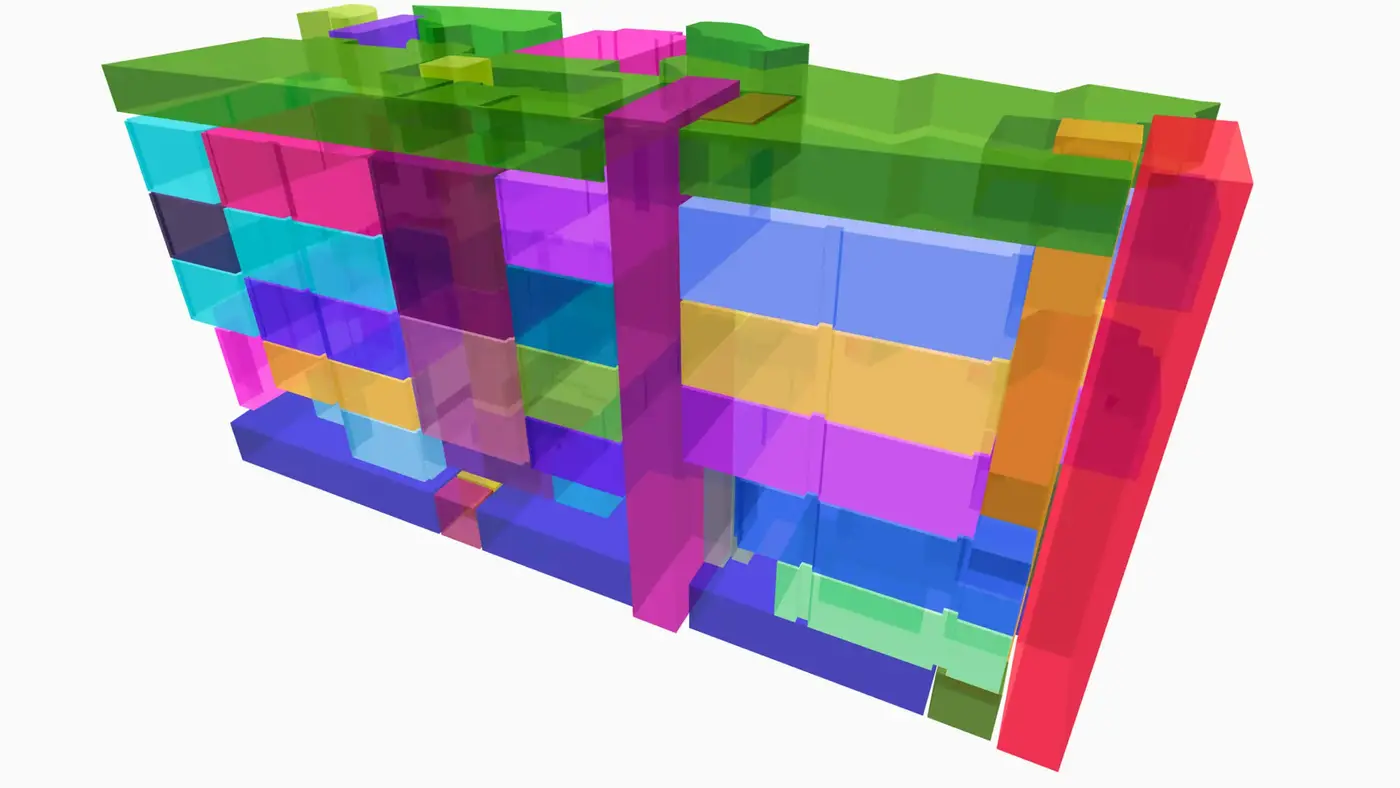
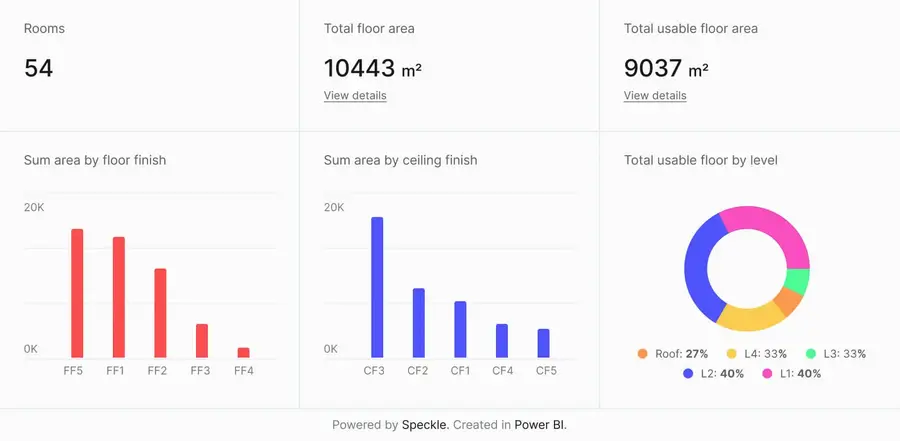
Connect to Power BI and create custom dashboards, featuring live 3D models.
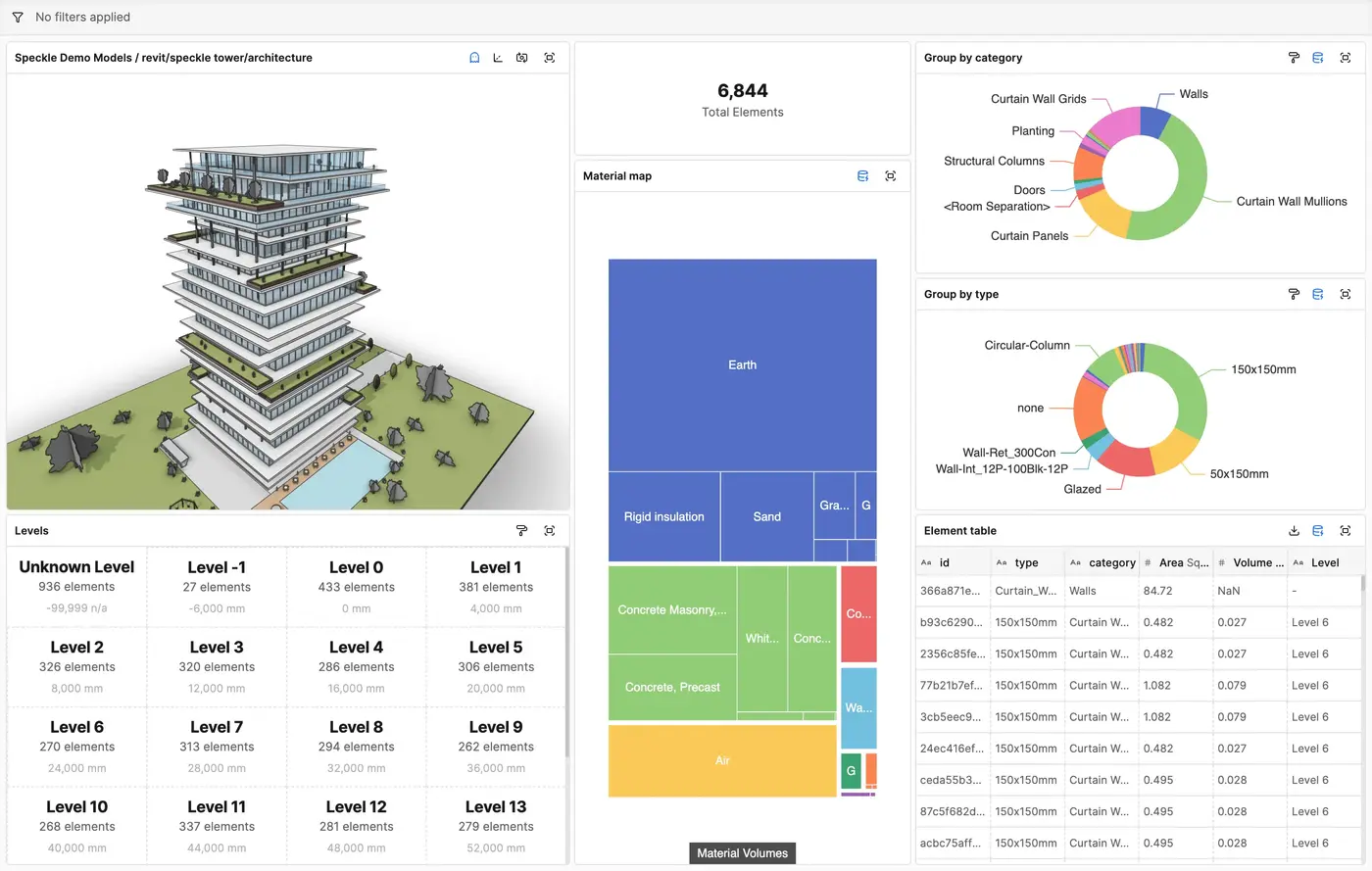
Get insights from any model, project, or portfolio—without waiting on anyone else.
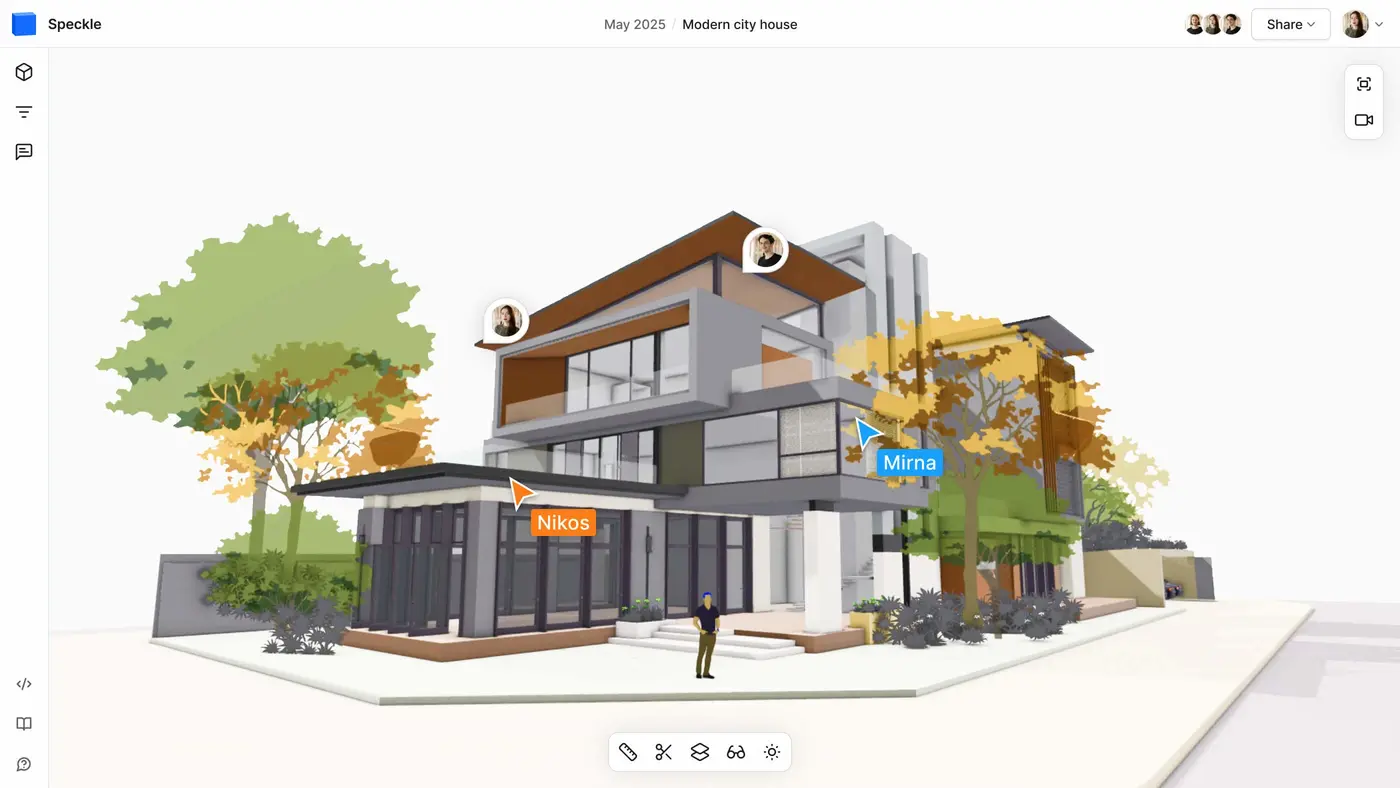

Work on live 3D models together and present them to anyone, no desktop apps or licenses.