New Speckle web interface (Beta) is available
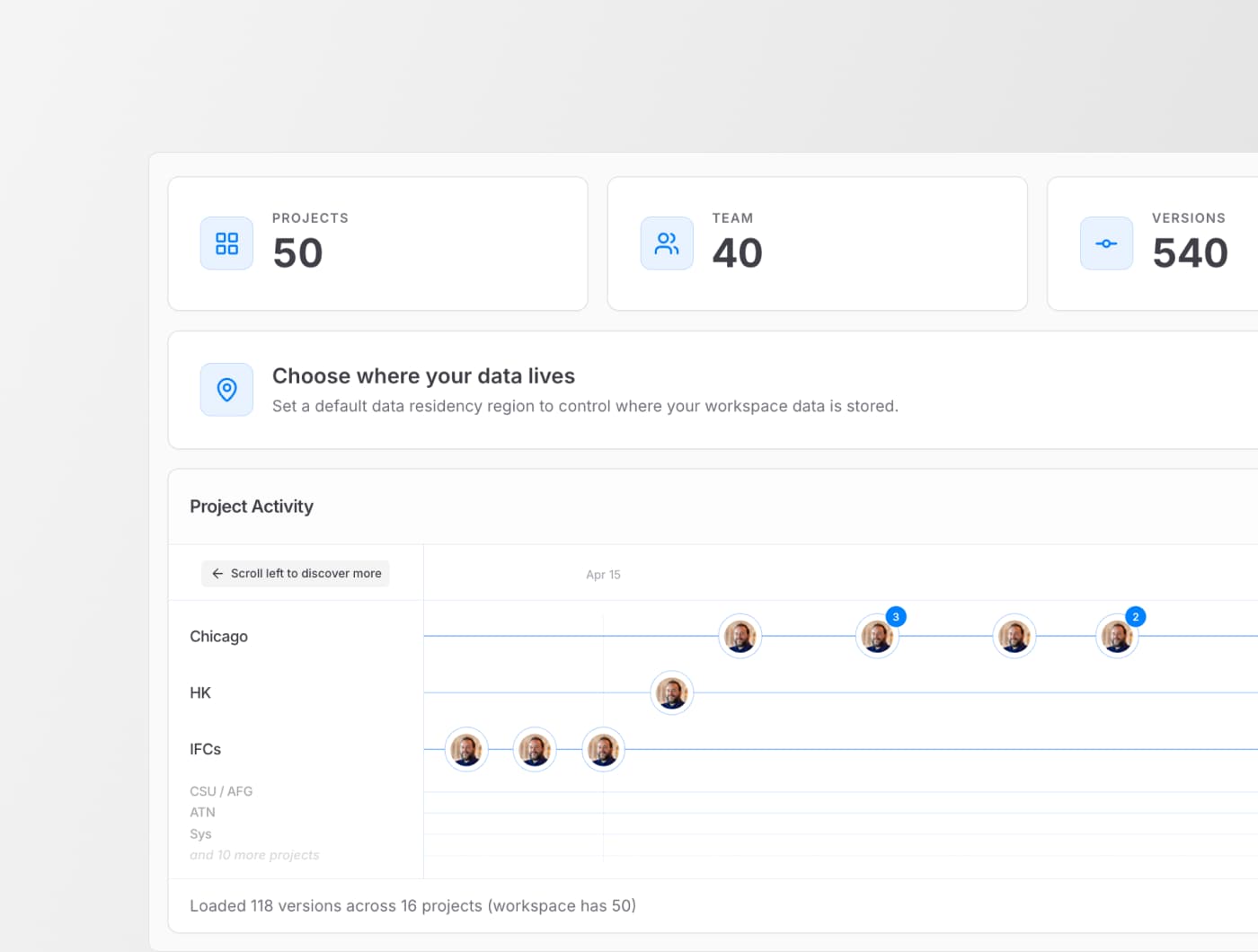
We’ve rebuilt the Speckle web interface to make it easier to see what’s happening across your projects and act on it without digging.
The goal is simple: help you see what’s going on in your data, across your projects, as fast and clearly as possible. This update also lays the groundwork for more powerful ways to analyze, share, and act on your design data yet to come.
This is a step toward making Speckle feel less like a place where data is stored and more like a place where your design data becomes usable, visible, connected, and ready to support decisions across your projects and teams.
The experience
When you first open your workspace, the focus is on getting your data into Speckle and putting it to work. You can upload a file or connect your authoring tools right away.
As your projects grow, your workspace homepage becomes a live overview of what’s happening: recent activity, projects, and dashboards—all in one place.
Project pages are now more direct. Issues, presentations, and analytics dashboards are available immediately, without extra navigation.
Some key areas now have their own dedicated pages:
- Autodesk model syncs: Accessible directly from the homepage, so you can check and explore synced data faster.
- Issues: View and reply without opening the 3D viewer! Understand the problem and close the feedback loop much quicker.
- Models: Each model has its own information hub with version history, issues, and more.
How to enable (and disable it)
The new interface is available as an opt-in toggle in your workspace. Your data stays the same, as this only changes how you interact with it.
Switch on: Open the user menu (top right) and click “Try new Speckle (Beta).”
Switch back: Open the user menu (bottom left) and click “Switch to classic.”
More details on this are available in the Speckle docs.
Why Speckle got a new interface
This update is part of a bigger shift in how Speckle works. We’re building a design intelligence layer for the built world where your data isn’t just moved between tools, but structured, connected, and usable across projects.
That also means clearer, more intuitive project progress and change control, so teams can track, understand, and act with confidence. The new web interface is designed to support that: helping you move from “where is my data?” to “what changed, and what should I do about it?”