Revit file importer
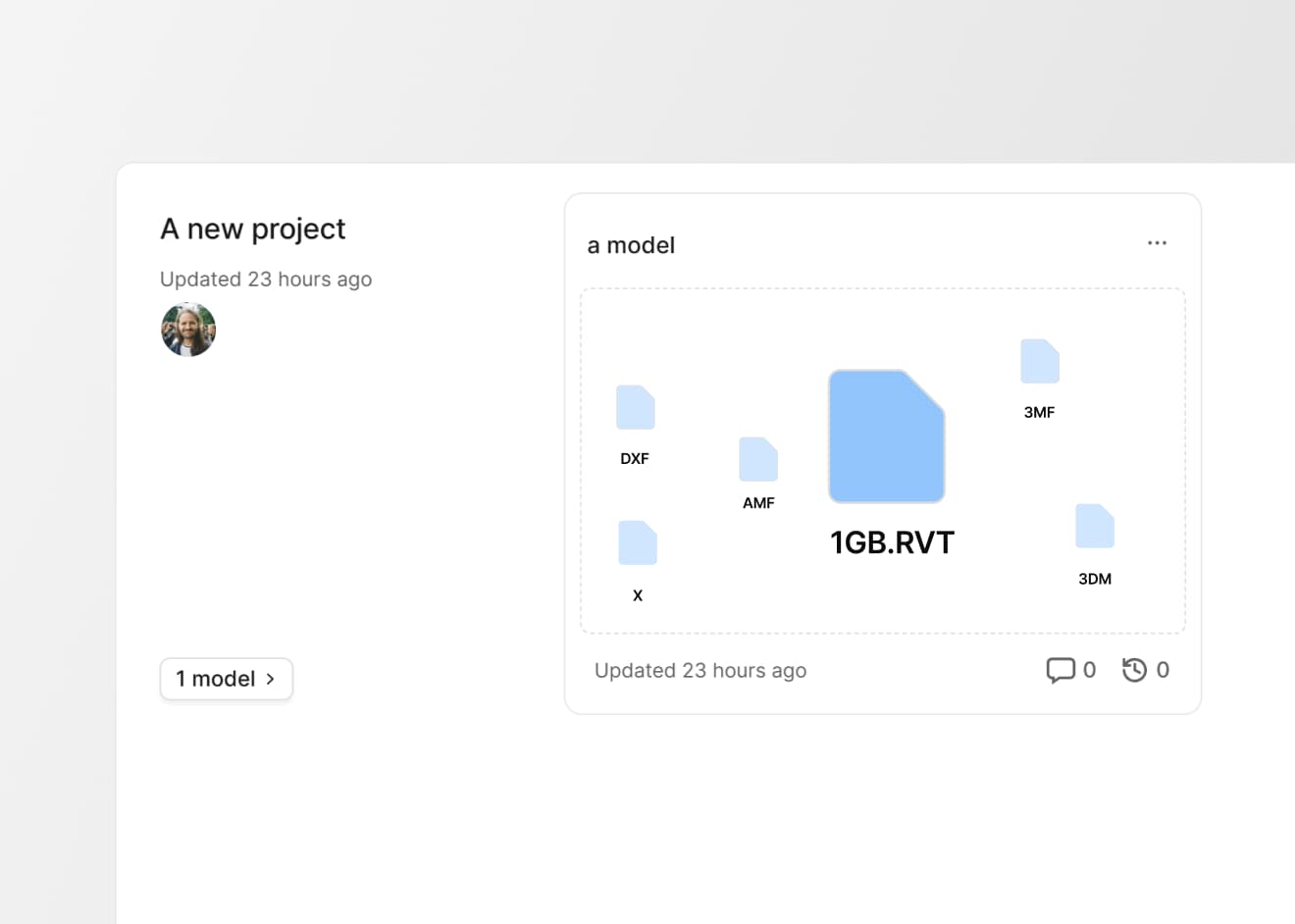
We’re excited to announce that Speckle now supports direct Revit file imports (.RVT), making it easier than ever to bring Revit models into your workflows, without requiring a Revit connector or even a Revit license. This new capability expands our growing library of supported file formats and further lowers barriers for collaboration across the AEC industry.
What’s new
Previously, getting a Revit model into Speckle required having Revit installed along with our connector. You’d need to publish (send) a model or an element via the connector, which adds steps and dependency on software licenses. Now, you can simply import a Revit file into Speckle, explore it in the viewer down to the smallest detail, share it with anyone via a single link, or feed it directly into Power BI or Speckle Intelligence for analysis.
All file formats supported for Speckle upload: RVT, IFC, 3DM, 3MF, 3DS, SKP, AMF, DWG, DXF, X, E57, IGS, IGES, DGN, FBX, OBJ, PLY, SLDPRT, STP, STEP, STL.
The Revit importer brings several improvements:
- Directly upload RVT files of up to 1GB and benefit from rich extraction of element properties, parameters, and full 3D geometry to support automation, analysis, and visualization.
- The Revit file uploader now supports versions of RVT files older than our connectors support, which goes back to 2022.
- Built to reliably handle large, complex models, it delivers clear error messages when issues arise.
- Track import history per model, monitor each job from upload to processing, and download the original RVT file when needed—making it easy to manage, review, and share Revit data alongside all your Speckle projects in one place.
Speckle’s new integration with Autodesk Construction Cloud (ACC) is now available to Enterprise customers, automatically bringing your ACC Revit files into Speckle without custom development.
That said, if you’re a Revit user, we at Speckle remain strong believers in the value of object-based collaboration enabled by Speckle connectors, such as the Revit connector. Connector workflows offer greater control and flexibility, including fine-grained filtering by views and categories, support for advanced highlighting modes, faster iteration and versioning, and robust handling of linked models.
What’s next
We’re just getting started. Over the coming weeks, we’ll continue adding support for more native file types and improving data extraction and workflow automation across all formats. Stay tuned for the next major file import update!
We’d love to hear about your experience with the new Revit importer. Share your feedback via Intercom in your Speckle workspace or join the Community Forum to discuss your ideas directly with our Product team.
Upload a Revit file and instantly unlock powerful analytics with Speckle Intelligence. Track change, progress, and impact through intuitive, shareable dashboards.