Speckle for Navisworks
Publish Navisworks models to boost design coordination and business intelligence workflows.
Supported versions
2020-2027

Publish Navisworks models to boost design coordination and business intelligence workflows.
Supported versions
2020-2027
Set up automatic Navisworks data sync with every update to access both real-time and historical model analytics.
Drag and drop files into Speckle to view, analyze, and share models without needing a design tool license.


Upload NWD and NWC files directly into Speckle's web app; no Navisworks license required. Anyone on any device can view full model geometry and properties, making it ideal for stakeholder reviews, read-only access, and hands-off coordination pipelines.
Navisworks is where models come together; now so does your data. Publish your federated coordination model to Speckle and instantly make it accessible in Rhino, Grasshopper, Revit, Power BI, and Blender. One publish, every tool your team uses.
Every property category attached to elements in Navisworks, including DataTools properties, source file metadata, and custom attributes, travels with your model to Speckle. Inspect them in the web viewer or consume them in downstream tools for QTO, reporting, and analysis.
Enable Preserve Hierarchy to carry your model's full selection-tree structure into Speckle as nested layers and collections. Downstream tools like Rhino and Grasshopper respect this structure, so your model arrives already organized the way your team expects.
Use Navisworks' Revit Category Mapping setting before publishing to tag elements with their original Revit categories. When those elements land in Revit via Speckle, they slot into the correct categories instead of arriving as Generic Model, making coordination model handoffs far cleaner.
Every publish to Speckle creates a new version. Compare coordination models across design stages, track what changed between clash detection runs, and keep the whole team aligned on model evolution, all without leaving your browser.
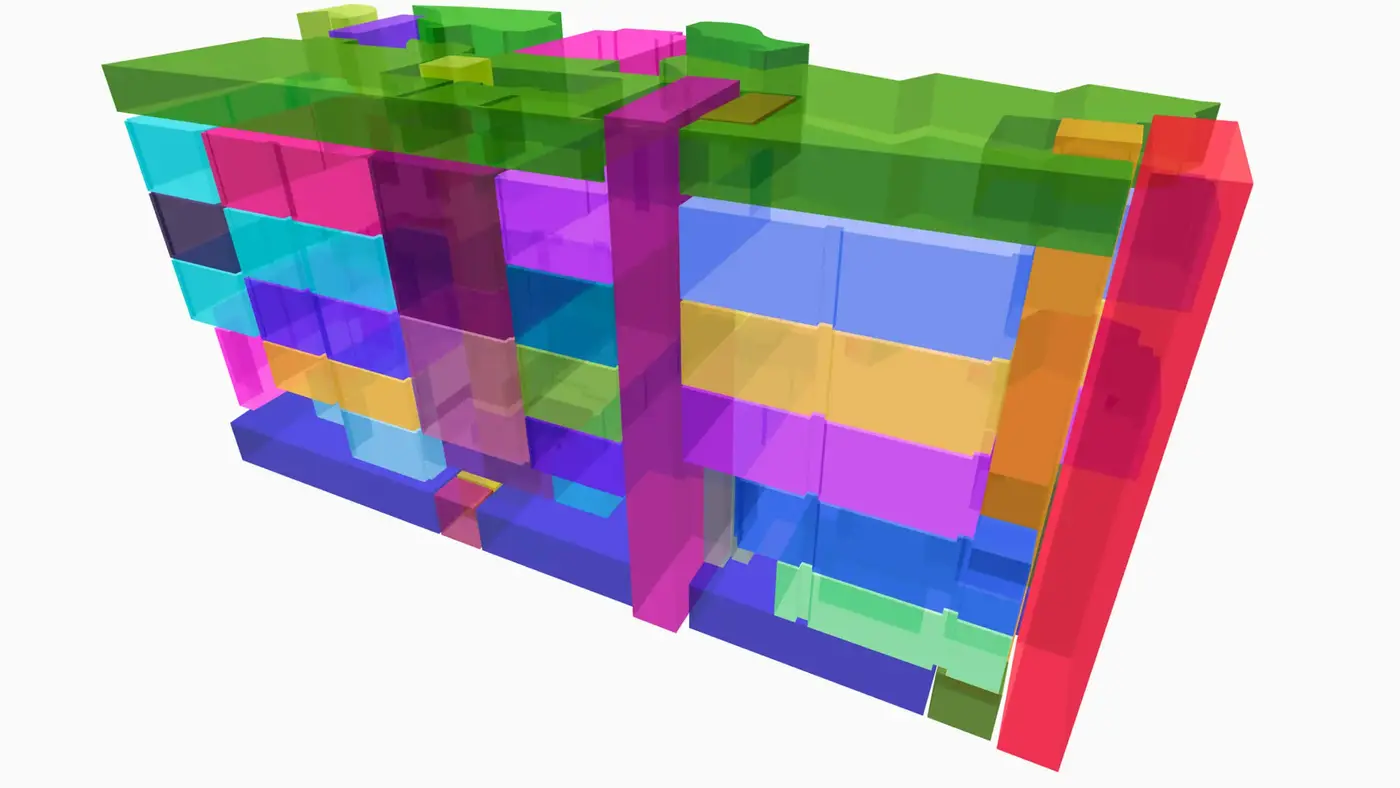
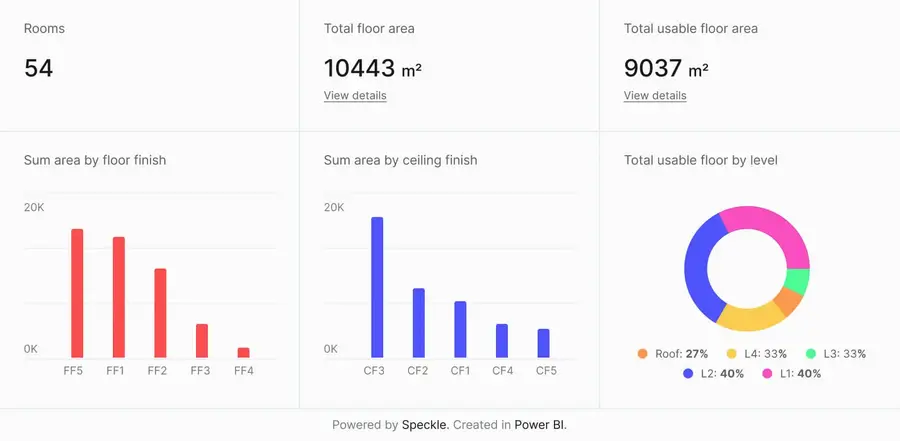
Connect to Power BI and create custom dashboards, featuring live 3D models.
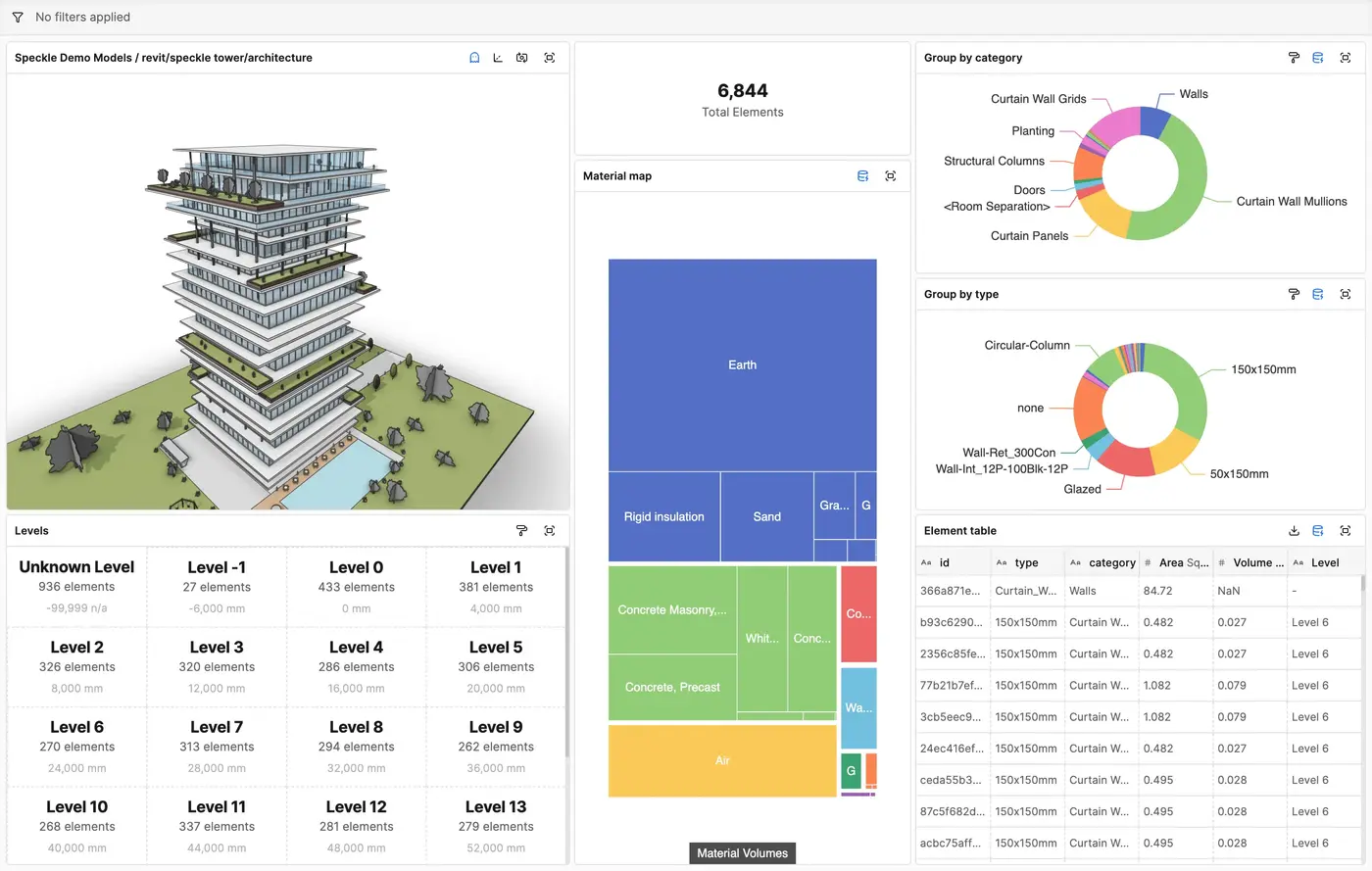
Get insights from any model, project, or portfolio—without waiting on anyone else.
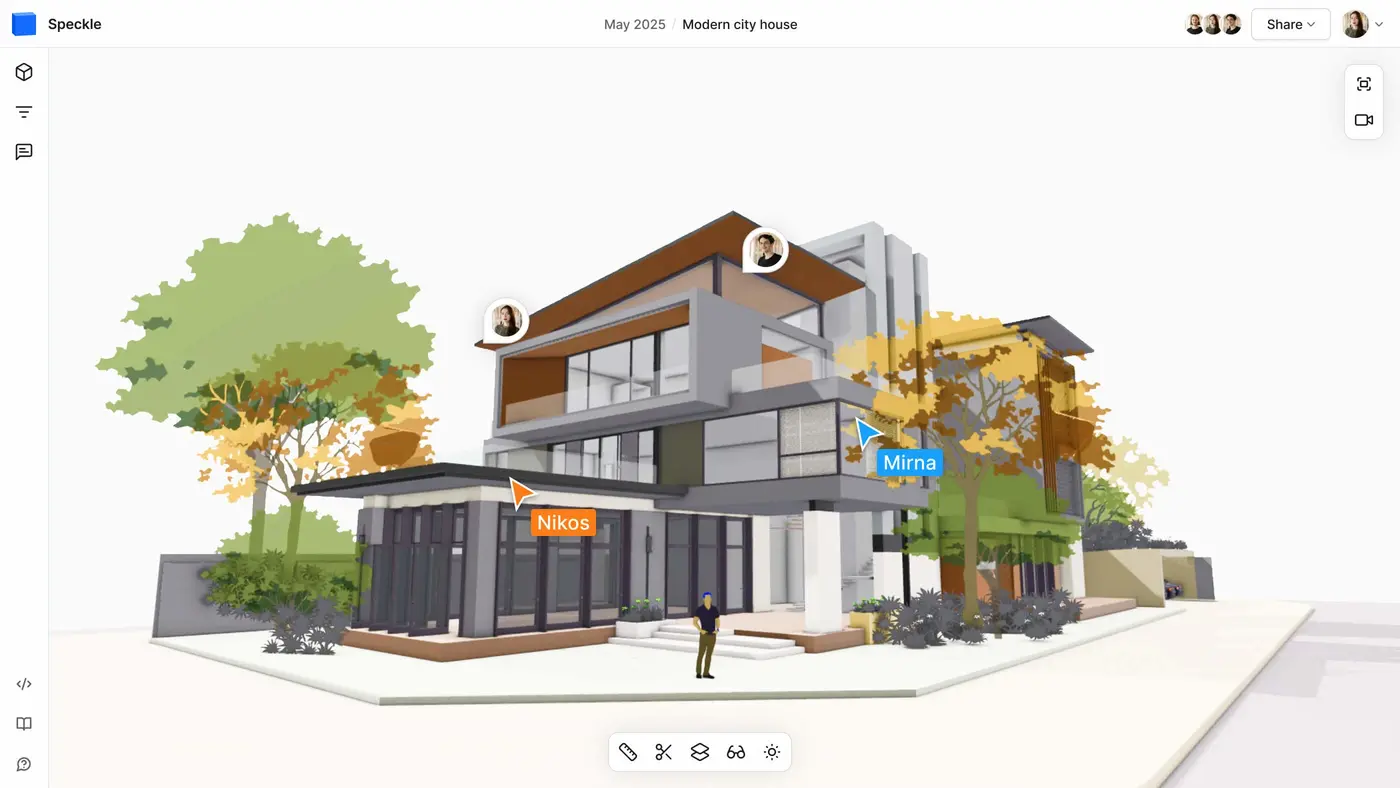
Work on live 3D models together and present them to anyone, no desktop apps or licenses.
Get inspired by industry stories
Follow these step-by-step tutorials