Speckle for Tekla
Turn Tekla models into connected, data-rich 3D assets that flow between tools, power analytics, and stay in sync as designs evolve.
Supported versions
2023–2025, Windows

Turn Tekla models into connected, data-rich 3D assets that flow between tools, power analytics, and stay in sync as designs evolve.
Supported versions
2023–2025, Windows
Use the Speckle connector to exchange data and objects with other tools as you design.
Set up automatic Tekla data sync with every update to access both real-time and historical model analytics.
Drag and drop files into Speckle to view, analyze, and share models without needing a design tool license.


Send Tekla models into Rhino as mesh and curve geometry without losing the object hierarchy.


Send Tekla models to Blender with materials applied and preserved collections.
All custom properties come with your model: user-defined attributes, profiles, and materials. Your data stays complete after publishing it to Speckle.
Once in Speckle, your structural model can flow into Rhino, Grasshopper, Power BI, and beyond. Coordinate with your team on a shared platform.
Revit parameters, Archicad attributes, or Civil 3D data arrive as user attributes on SketchUp objects, accessible via the Entity Info panel.
Every publish creates a new version. Compare changes over time and keep everyone aligned as your structural design develops.
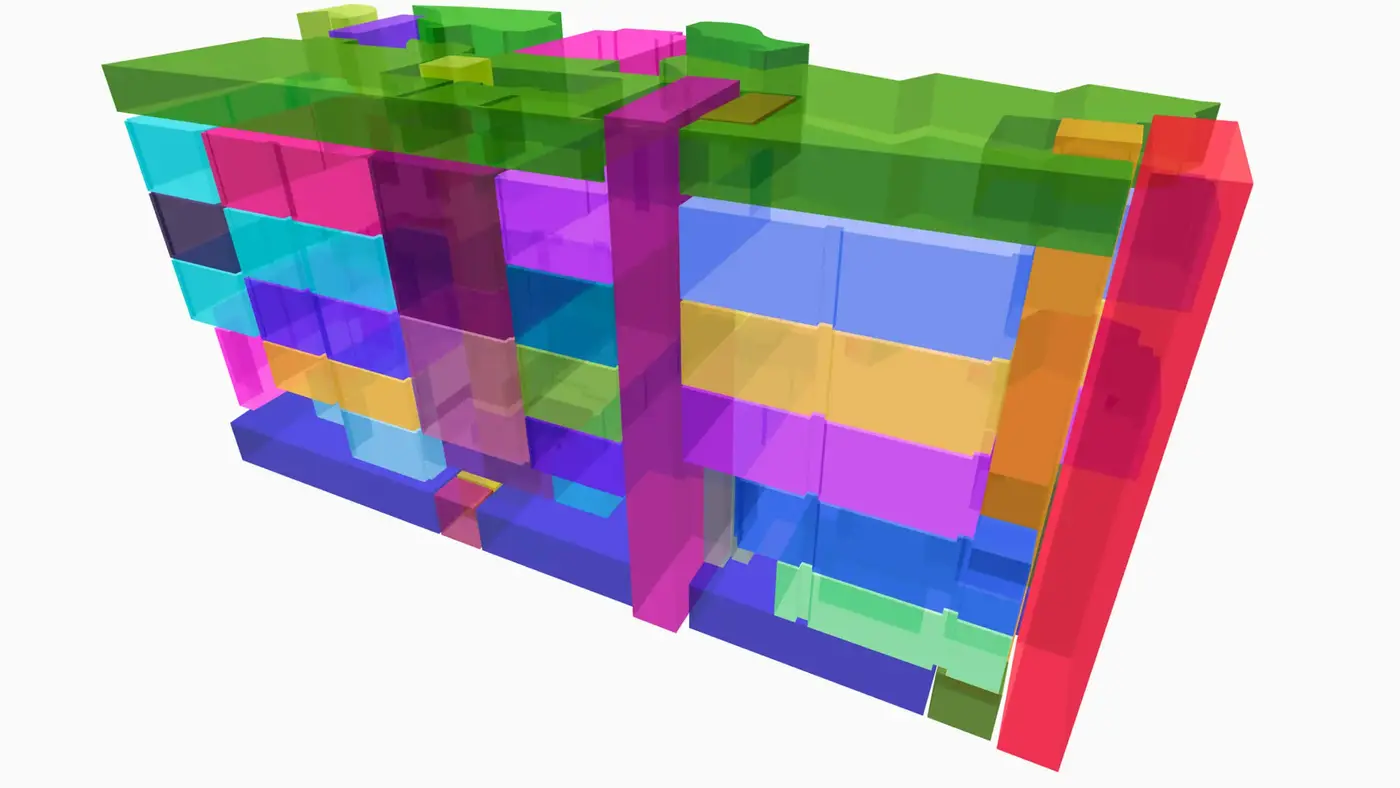
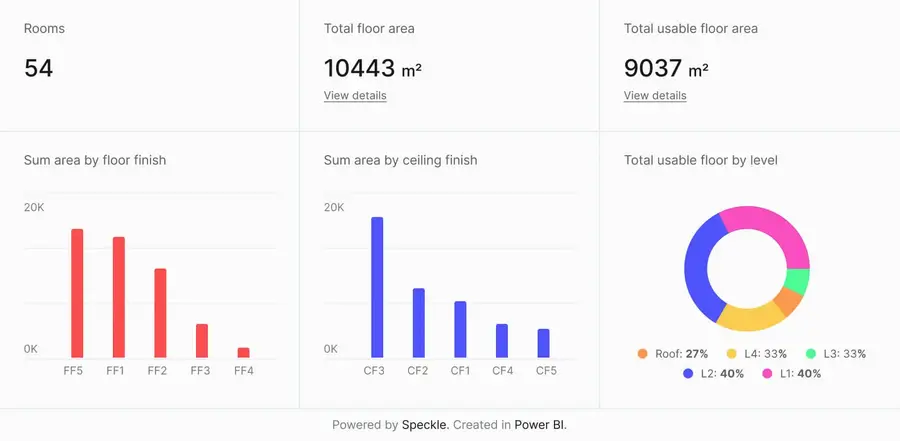
Connect to Power BI and create custom dashboards, featuring live 3D models.
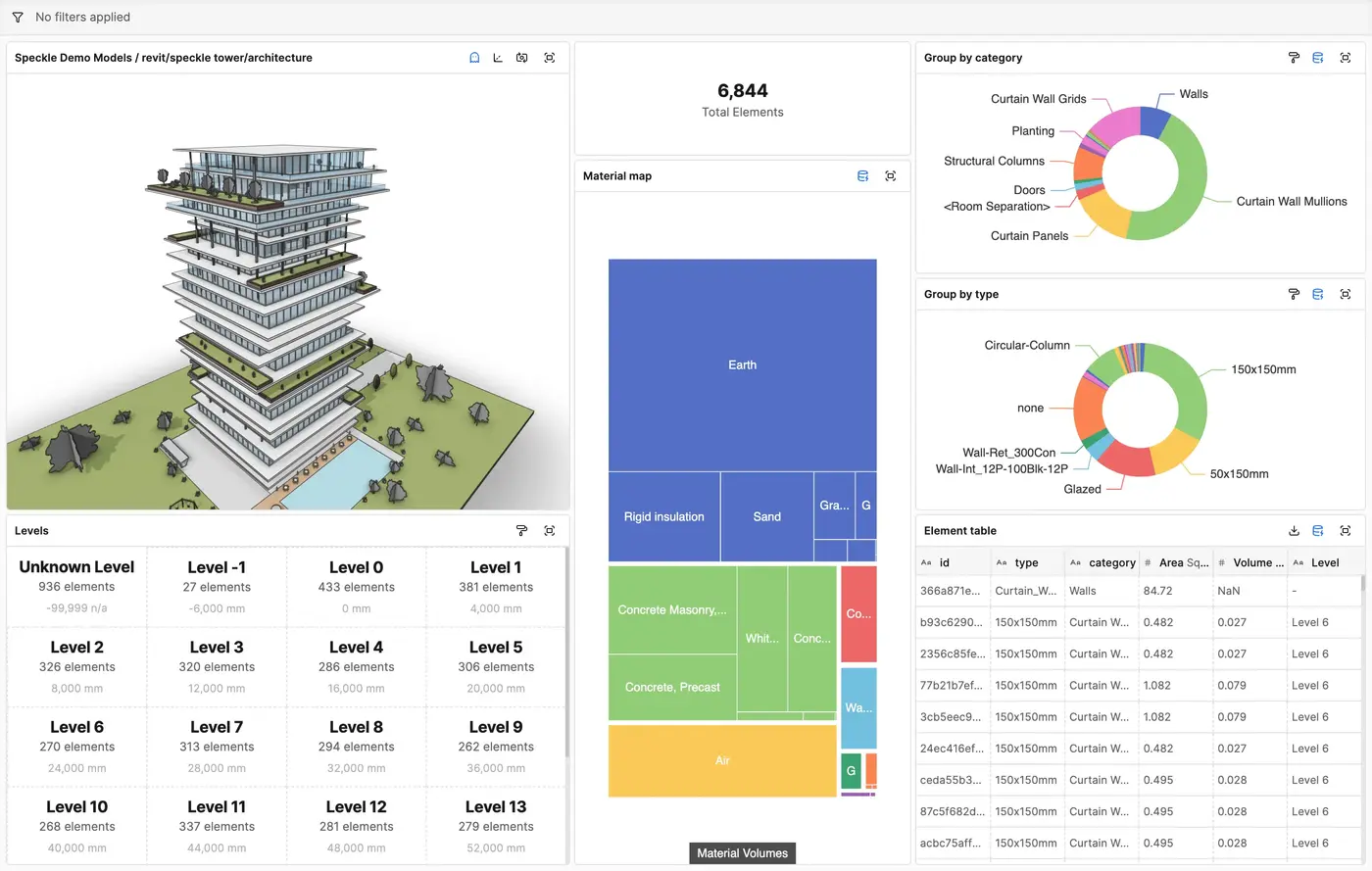
Get insights from any model, project, or portfolio—without waiting on anyone else.
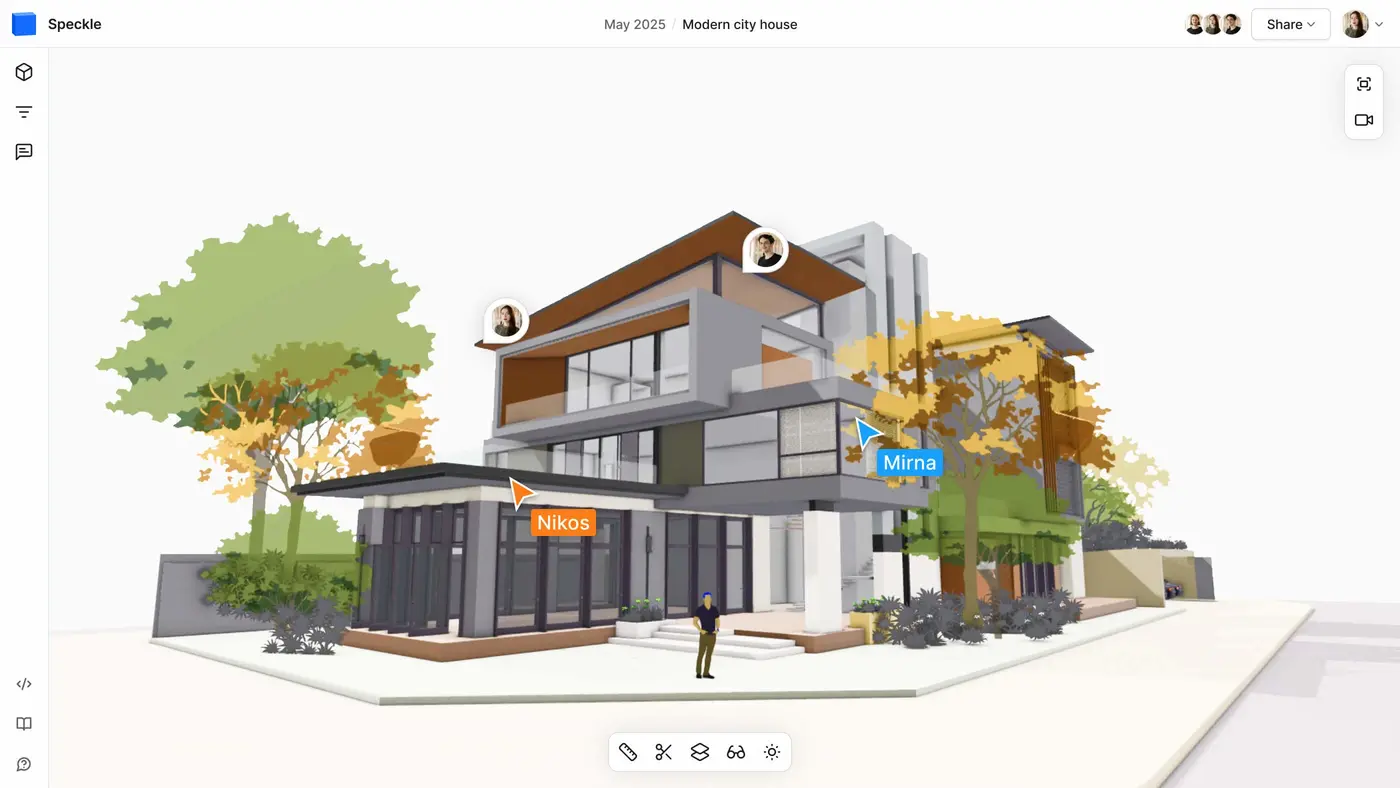
Work on live 3D models together and present them to anyone, no desktop apps or licenses.
Get inspired by industry stories