Advanced issue tracking
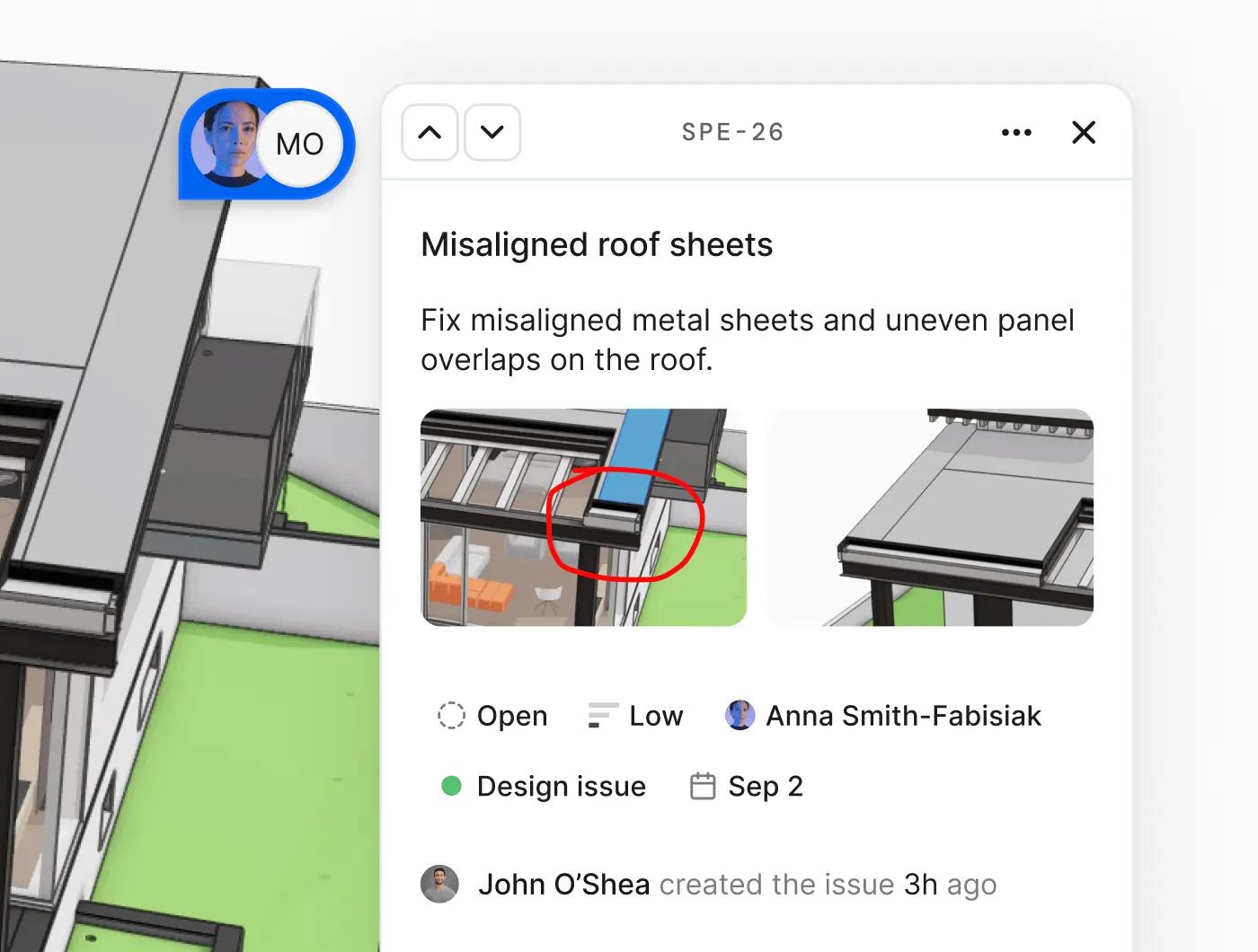
We've transformed Speckle's discussion feature into a feature rich issue management system. Track problems, assign work, set priorities, and resolve design issues without leaving your models.
Issues have been one of your most-requested features. Now they're here, and they work everywhere: in the web viewer, your desktop apps through the Speckle connectors, and as interactive data widgets in Speckle Intelligence dashboards.
What's new
Full issue tracking fields
Every issue now includes status, labels, assignee, due date, and priority. Track what needs attention, who's responsible, and when it's due. Your old comments have automatically become issues – everything is backwards compatible.
Markups on issues
Attach a markup directly to an issue or reply. Circle the problem area, sketch a solution, add arrows—the visual context stays with the conversation. No more "see attached screenshot" messages.
Better notifications
Get notified when someone replies to an issue you're following, mentions you, or assigns you work.
Custom label management
Every workspace starts with a default set of labels, but you can define your own in workspace settings. Create labels that match how your team works – by discipline, system, review phase, or whatever makes sense. Labels are workspace-wide, so everyone uses consistent terminology across projects.
Drag and drop attachments
Drop images and files directly into issues or replies. We support documentation, reference photos, specification sheets – attach whatever helps explain the problem.
Project-wide Issues tab
See all project issues at a glance. Filter by status, assignee, priority, or labels. The redesigned Issues tab gives you command over your entire project's issue backlog.
Issues in connectors
View issues directly in Revit, Rhino, and other desktop applications. Click an issue to see the related objects highlighted in your model. Read replies in context. For now it's read-only, but creating and editing issues from connectors is coming soon.
Intelligence dashboard integration
New issue widgets let you track problems across your models: list issues for loaded models, see who's got the most open items, view issue trends over time by model version. Build dashboards that surface what needs attention. We'll expand these based on what you tell us you need.

Availability
Issues are available now on all Speckle plans, including free workspaces. Try it on your next design review and let us know what you think!