Speckle for Archicad
Turn Archicad models into connected, data-rich 3D assets that flow between tools, power analytics, and stay in sync as designs evolve.
Supported versions
27, 28, 29

Turn Archicad models into connected, data-rich 3D assets that flow between tools, power analytics, and stay in sync as designs evolve.
Supported versions
27, 28, 29
Use the Speckle connector to exchange data and objects with other tools as you design.


Send Archicad models into Revit as DirectShapes and materials preserved.
Using Speckle, publish Archicad models to (and load models from) Revit, Navisworks, Tekla, IFC, and beyond. Work with teammates using different tools, staying in sync with their updates.
Embed your Archicad models into Power BI reports or create analytics in Speckle Intelligence dashboards. Extract quantities, compare versions, and combine geometric data with external sources to create insights that automatically update as changes occur.
Access Archicad element properties, spaces with 3D geometries, and material quantities automatically extracted from your files.
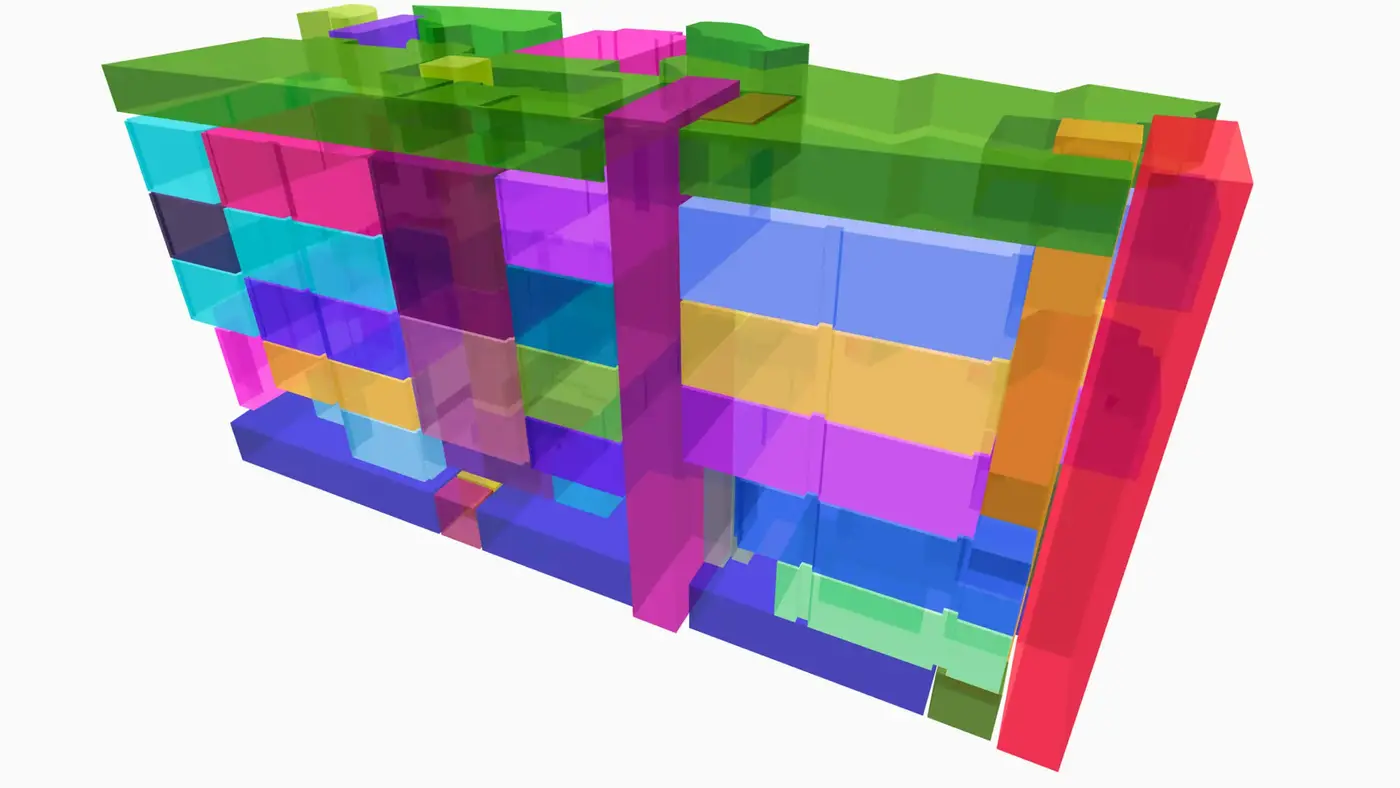
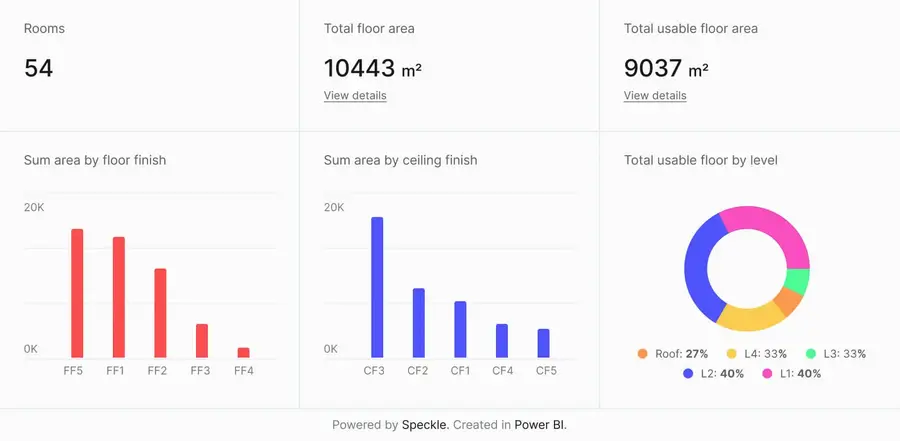
Connect to Power BI and create custom dashboards, featuring live 3D models.
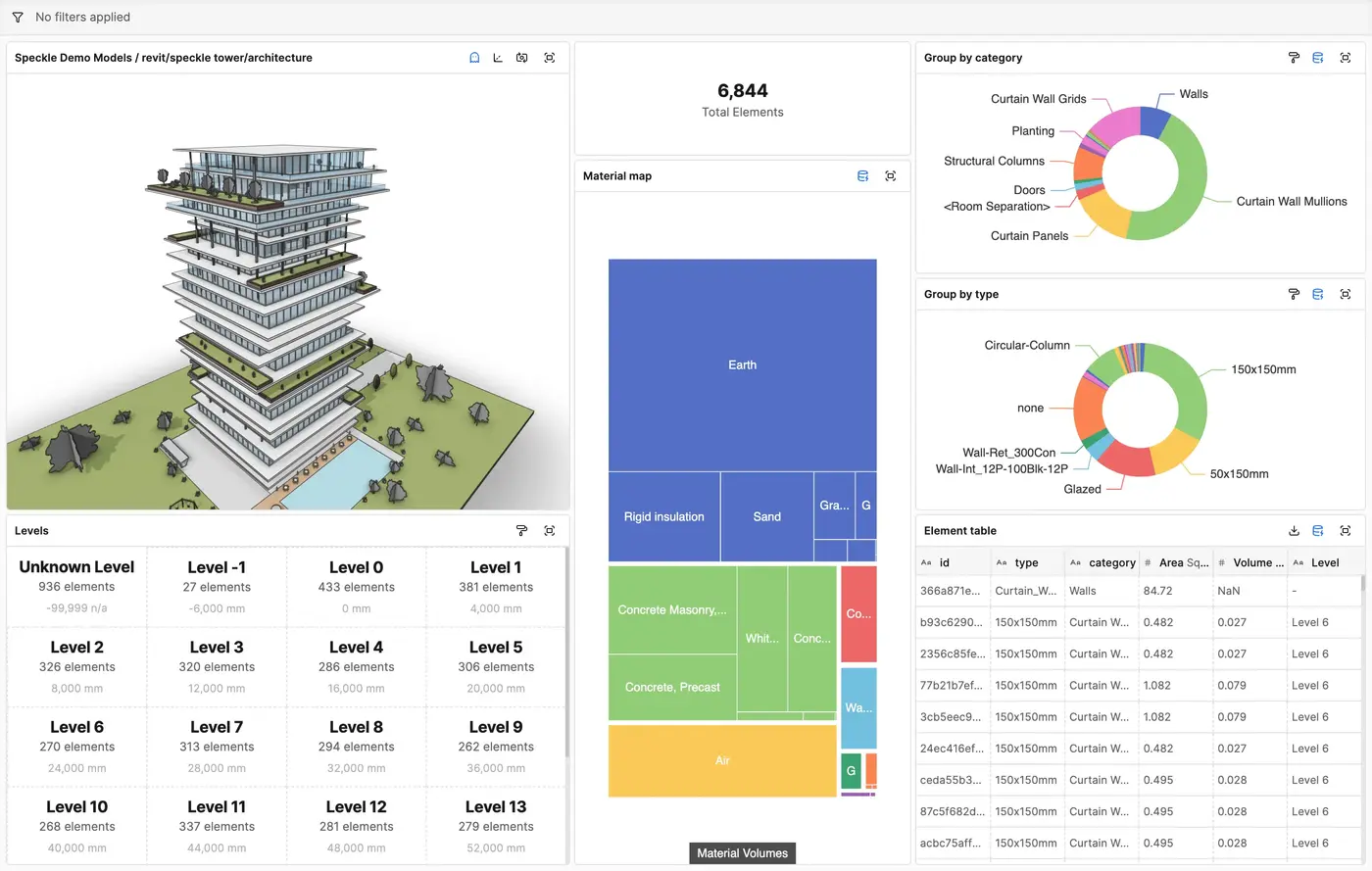
Get insights from any model, project, or portfolio—without waiting on anyone else.
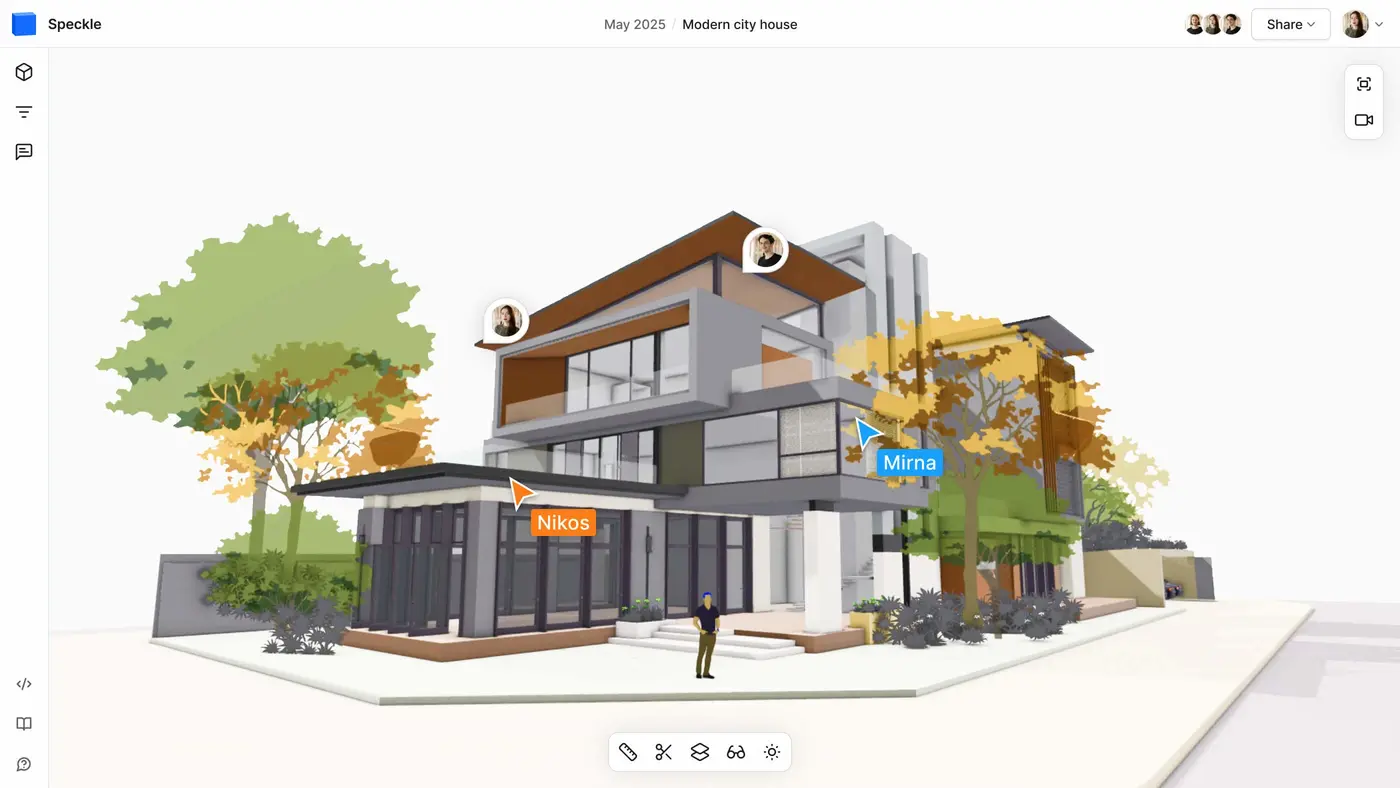
Work on live 3D models together and present them to anyone, no desktop apps or licenses.
Follow these step-by-step tutorials