Speckle for AutoCAD
Turn AutoCAD models into connected, data-rich 3D assets that flow between tools, power analytics, and stay in sync as designs evolve.

Turn AutoCAD models into connected, data-rich 3D assets that flow between tools, power analytics, and stay in sync as designs evolve.
Use the Speckle connector to exchange data and objects with other tools as you design.
Drag and drop files into Speckle to view, analyze, and share models without needing a design tool license.


Send AutoCAD drawings to Revit as curve and mesh geometry with materials. Blocks are received as families when the Receive blocks as families setting is enabled (off by default).
Upload AutoCAD files directly into Speckle's web app! No AutoCAD install required! Anyone on any device can view full model geometry and data, making it ideal for read-only access, automated checks, and hands-off pipelines.
Publish AutoCAD models to (and load models from) Revit, Archicad, Navisworks, Tekla, IFC, and beyond. Work with teammates using different tools, staying in sync with their updates.
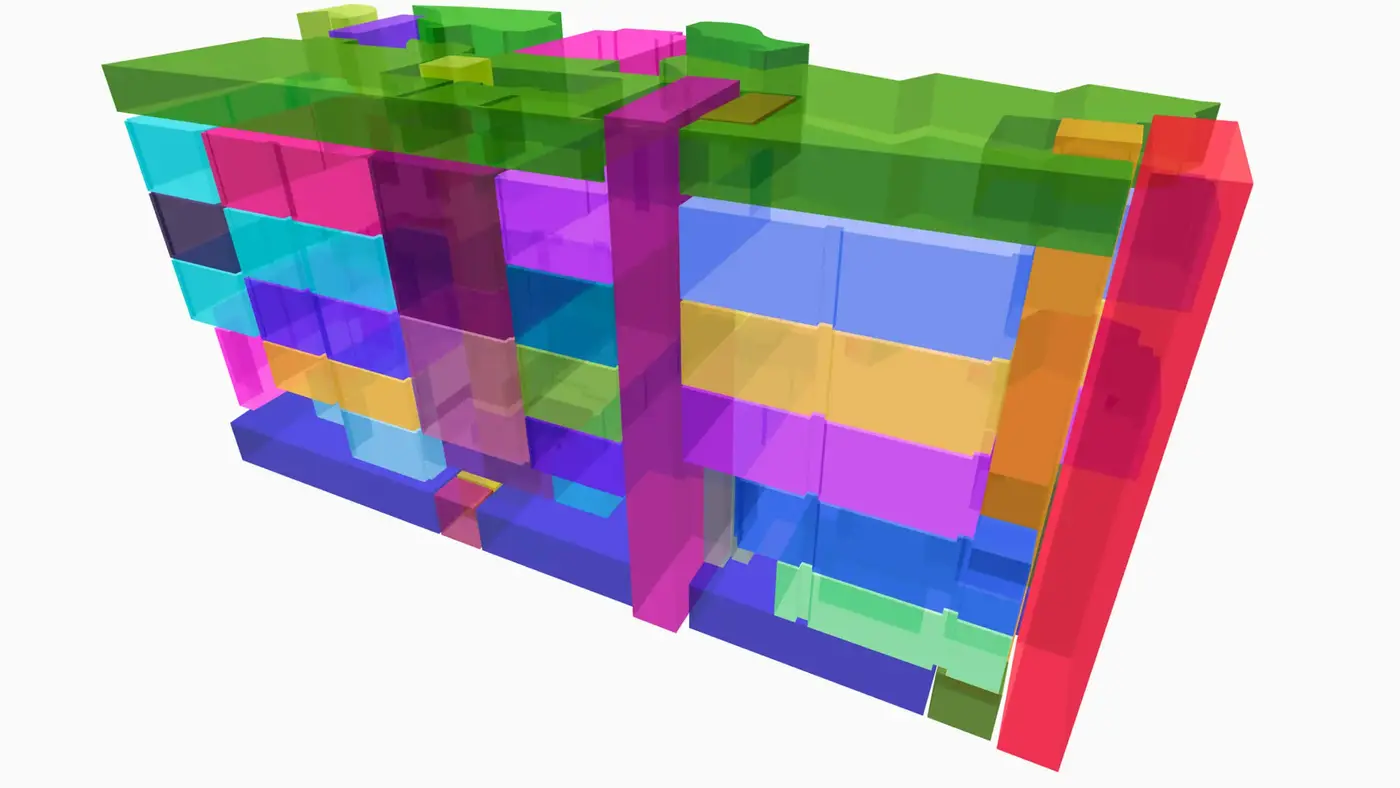
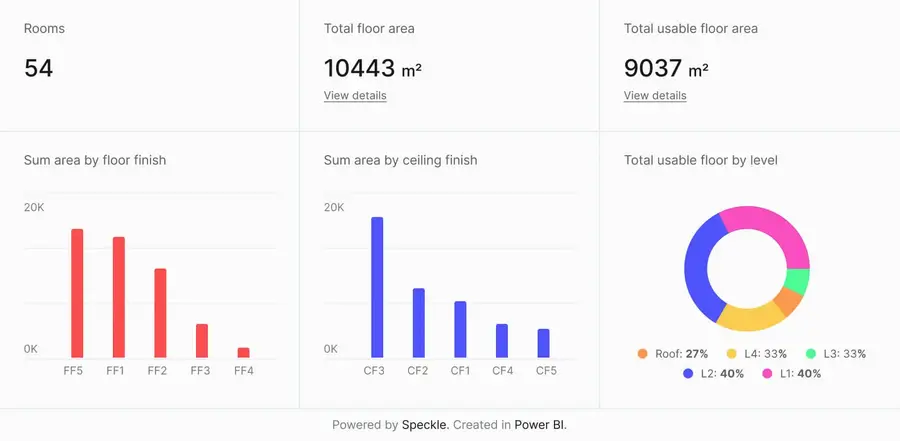
Connect to Power BI and create custom dashboards, featuring live 3D models.
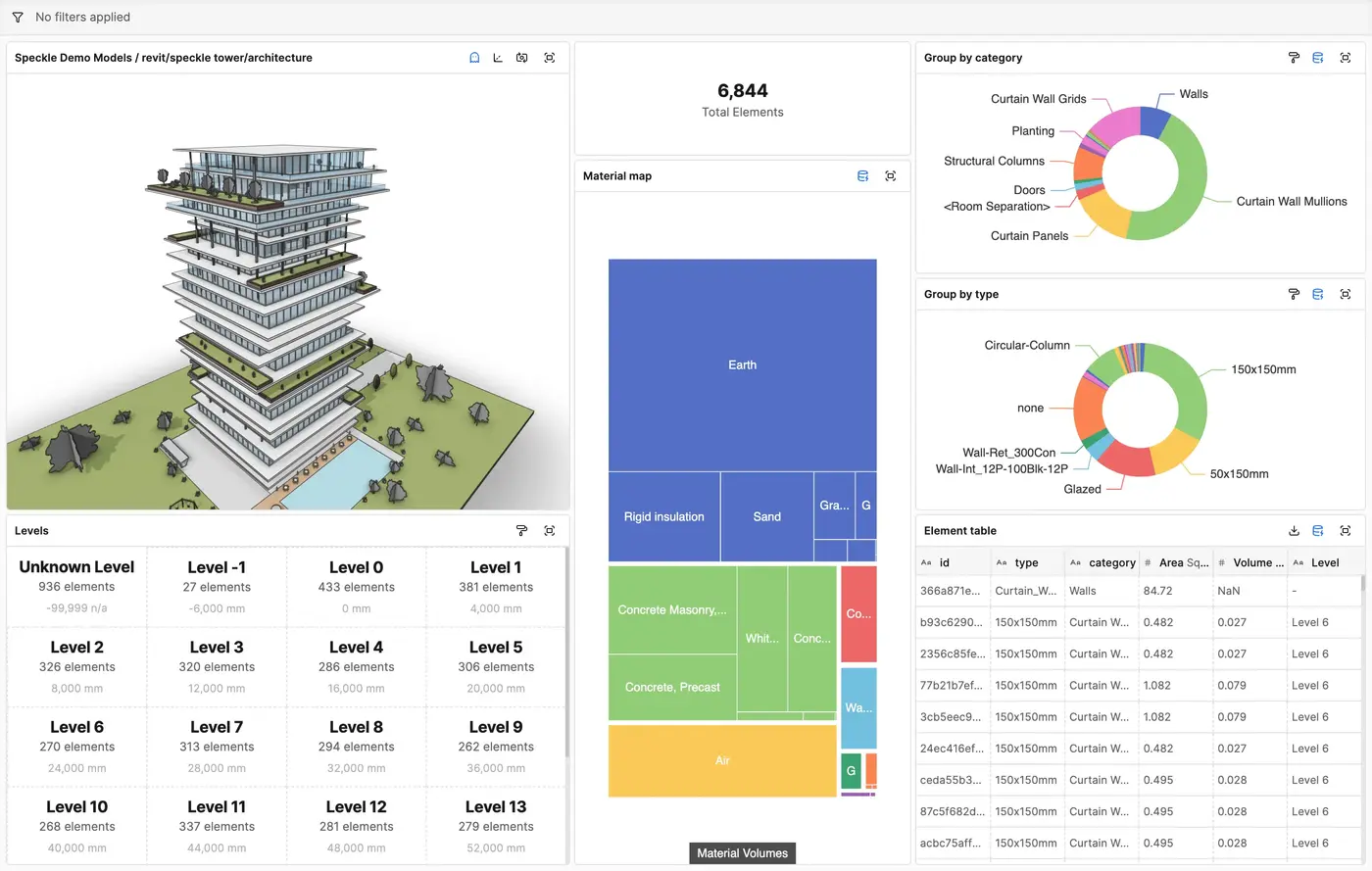
Get insights from any model, project, or portfolio—without waiting on anyone else.
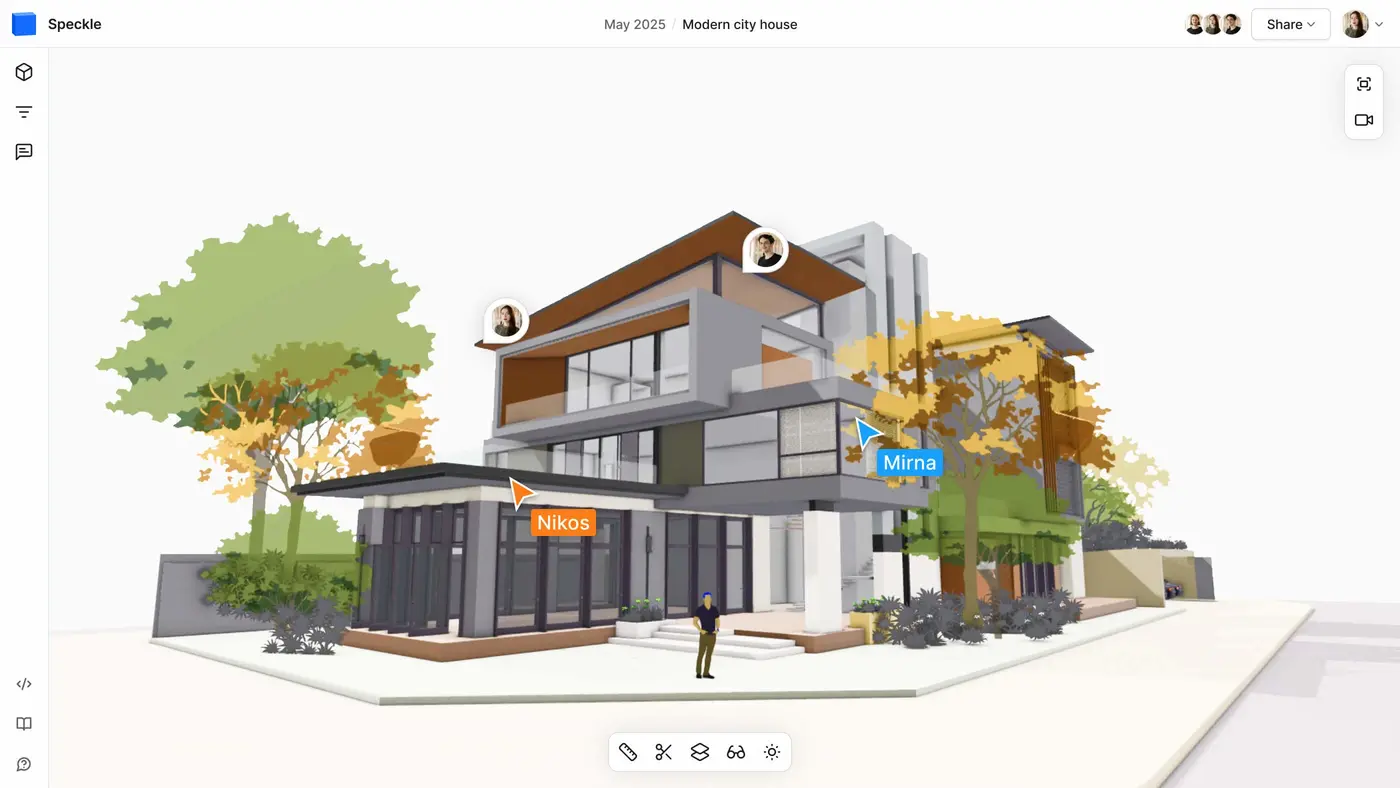

Work on live 3D models together and present them to anyone, no desktop apps or licenses.
Follow these step-by-step tutorials