Speckle for Civil 3D
Publish and load Civil 3D models to boost design coordination and business intelligence workflows.
Supported versions
2023 – 2027

Publish and load Civil 3D models to boost design coordination and business intelligence workflows.
Supported versions
2023 – 2027
Use the Speckle connector to exchange data and objects with other tools as you design.
Set up automatic Civil 3D data sync with every update to access both real-time and historical model analytics.
Drag and drop files into Speckle to view, analyze, and share models without needing a design tool license.


Publish corridors, surfaces, alignments, and pipe networks to Speckle's web viewer. Project stakeholders can review your designs in 3D without needing Civil 3D.
Using Speckle, Civil 3D model data can flow into Power BI dashboards, Grasshopper scripts, or other design tools. Work with teammates using different tools, staying in sync with their updates.
Custom properties export with your model. Corridor featurelines, property sets, and more. All the details transfer alongside geometry!
Every publish creates a new version. Compare iterations as your alignments or networks evolve throughout the project.
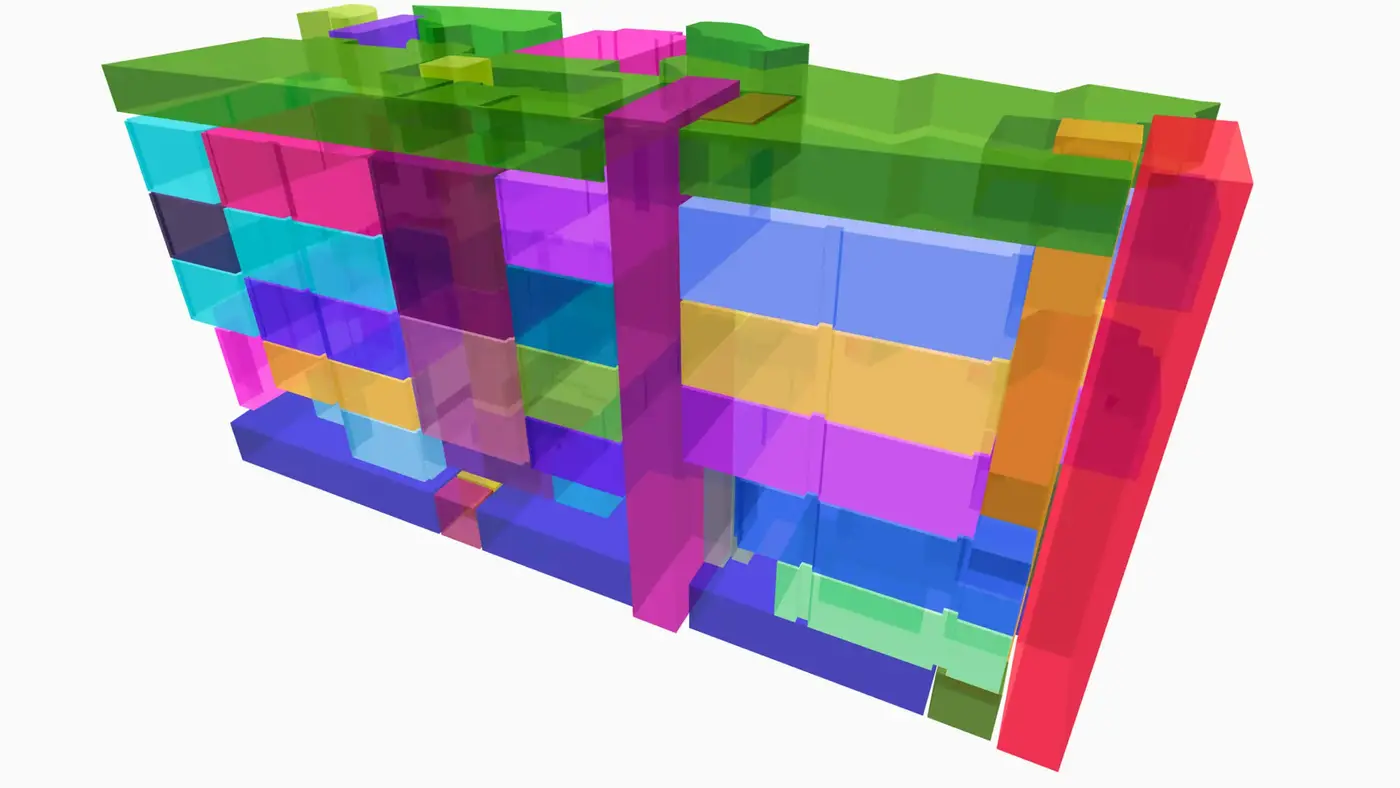
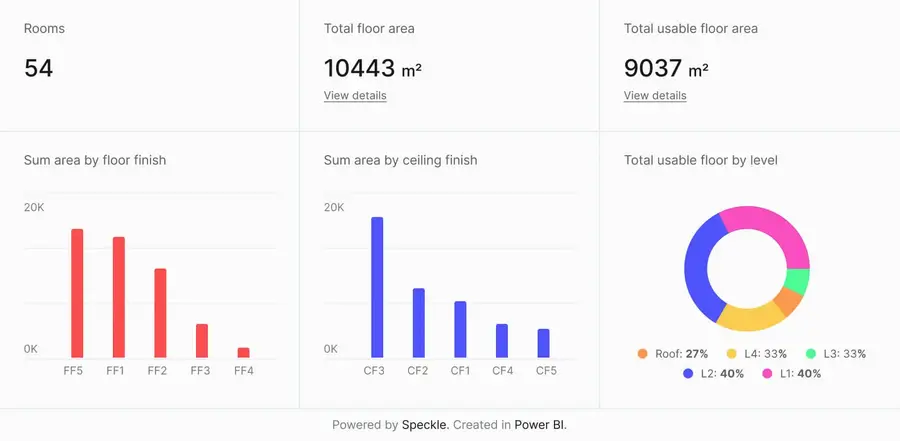
Connect to Power BI and create custom dashboards, featuring live 3D models.
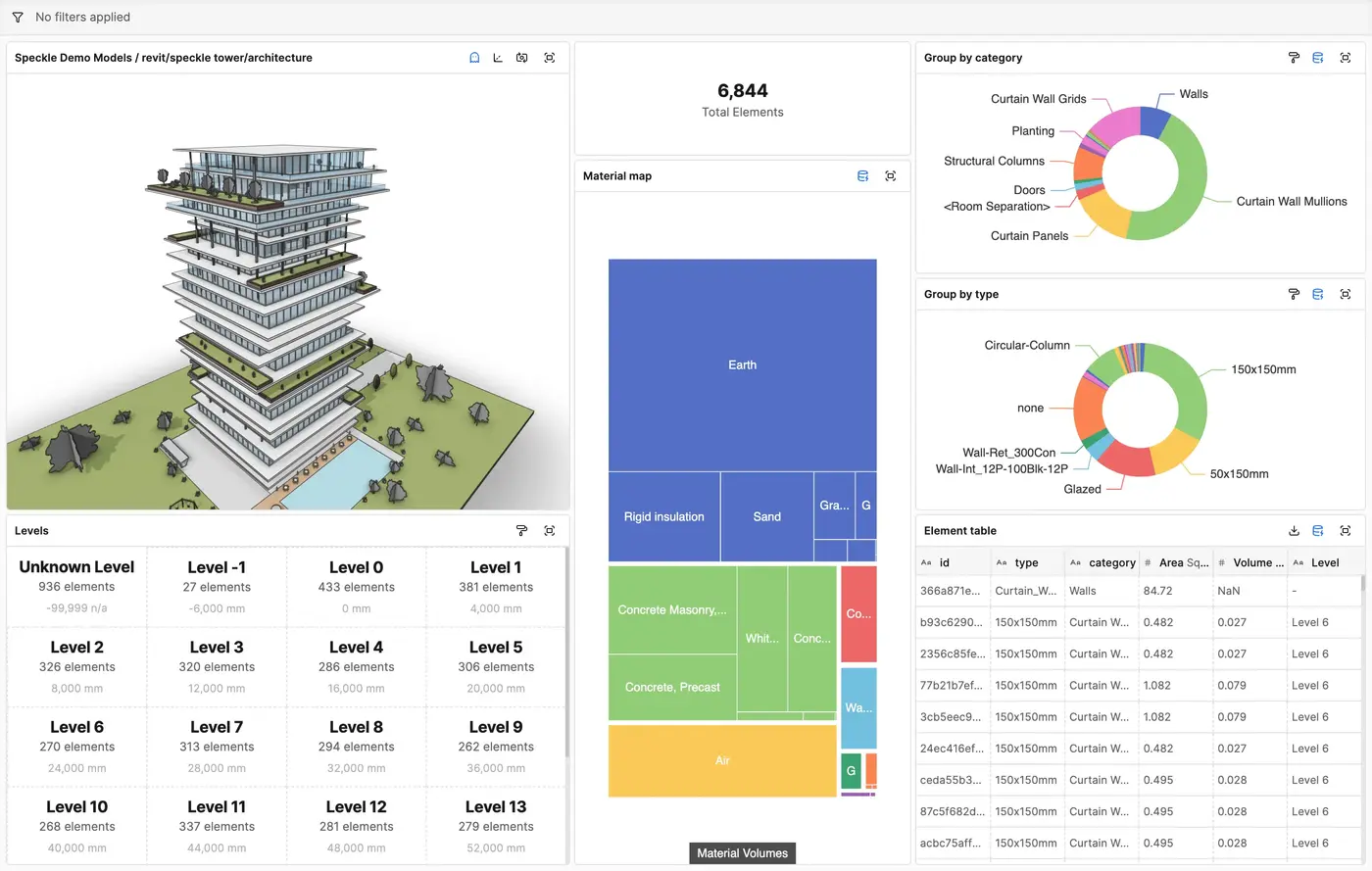
Get insights from any model, project, or portfolio—without waiting on anyone else.
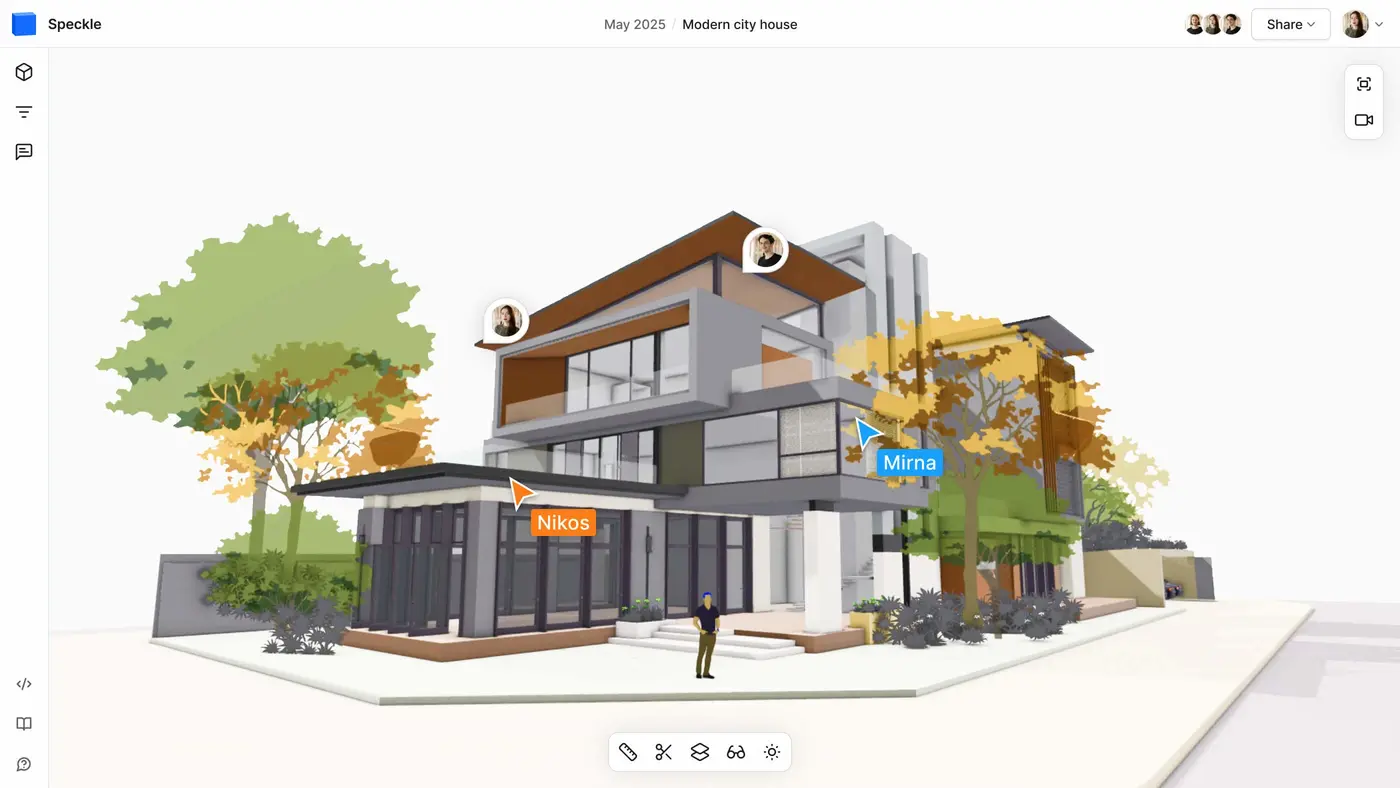

Work on live 3D models together and present them to anyone, no desktop apps or licenses.
Get inspired by industry stories
Follow these step-by-step tutorials