Speckle for SketchUp
Turn SketchUp models into connected, data-rich 3D assets that flow between tools, power analytics, and stay in sync as designs evolve.
Supported versions
2021–2026, Windows & macOS

Turn SketchUp models into connected, data-rich 3D assets that flow between tools, power analytics, and stay in sync as designs evolve.
Supported versions
2021–2026, Windows & macOS
Use the Speckle connector to exchange data and objects with other tools as you design.
Drag and drop files into Speckle to view, analyze, and share models without needing a design tool license.

Sent SketchUp objects will be loaded as direct shapes with materials. Components/Groups are received as families when the Receive blocks as families setting is enabled (off by default).


Sent SketchUp components are loaded as individual GDL objects with materials.
No SketchUp studio license needed to load Revit models! Revit families are converted to SketchUp components with the same name.Revit categories and types become SketchUp tags. Revit levels are converted into named section planes at the correct elevation. Revit materials, including transparent ones, are preserved as SketchUp materials. No Revit installation or license required.
Upload SketchUp files directly to the browser. No SketchUp install required! Anyone on any device can view full model geometry and data, making it ideal for read-only access, automated checks, and hands-off pipelines.
Bring Revit, Rhino, Grasshopper, and other models into SketchUp, preserving full geometry and metadata. Use SketchUp for design exploration.
See exactly what changed between design iterations—geometry, materials, properties—with experimental diffing. Track design evolution without drowning in version notes, helping teams understand intent and stay aligned on decisions.
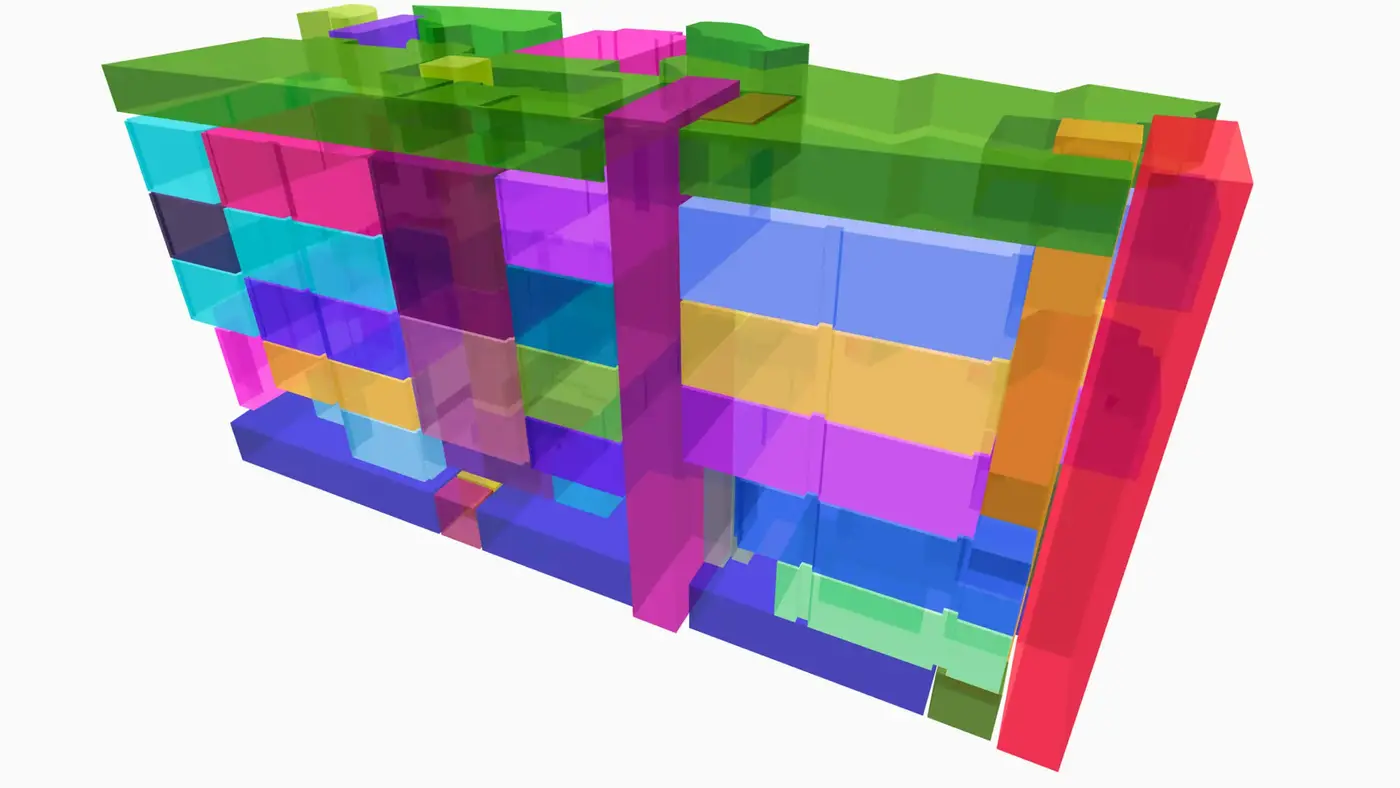
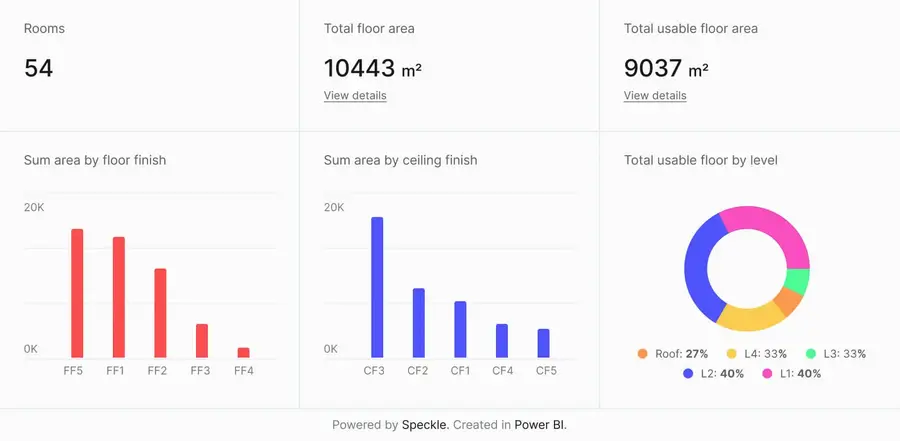
Connect to Power BI and create custom dashboards, featuring live 3D models.
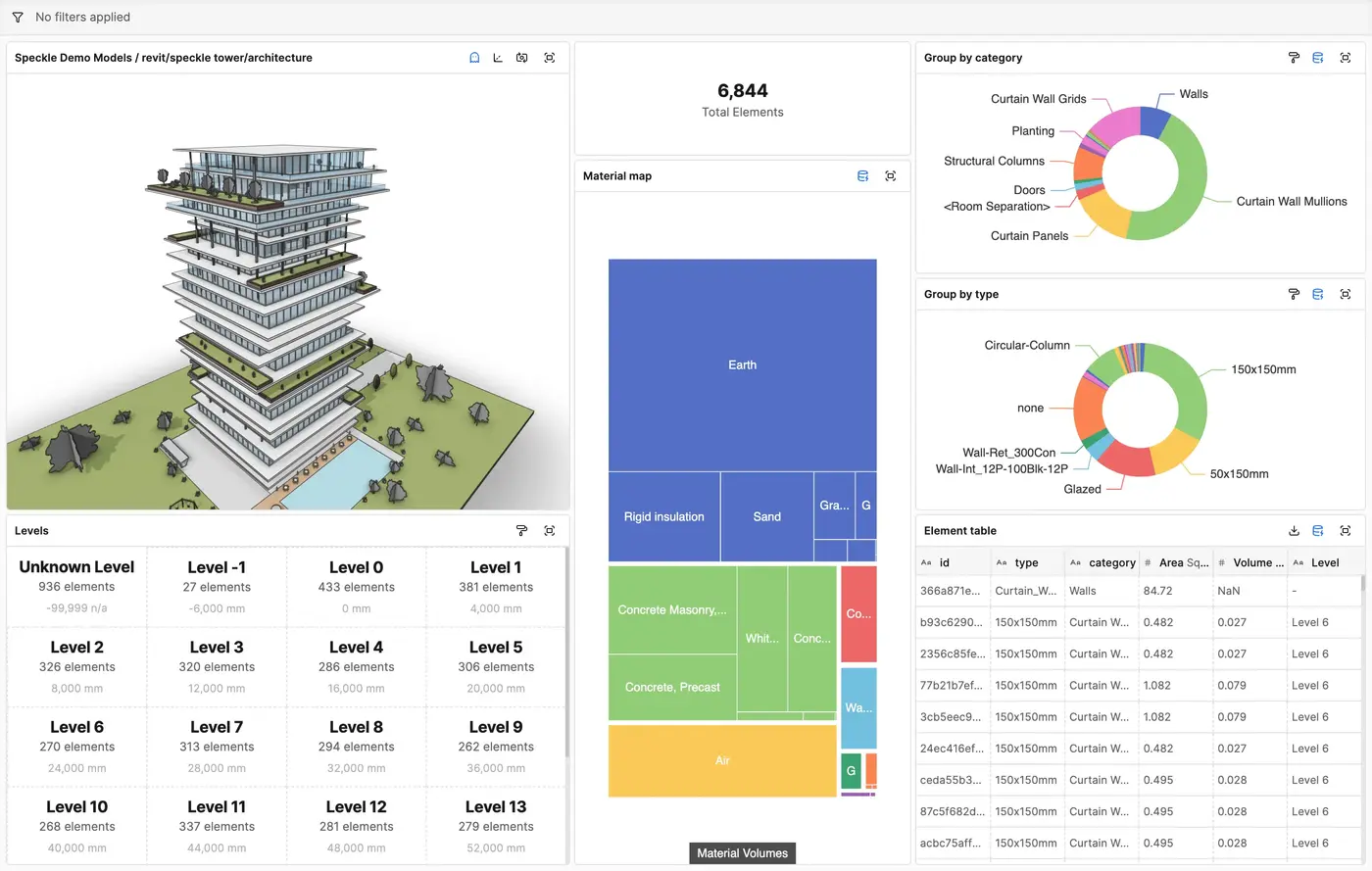
Get insights from any model, project, or portfolio—without waiting on anyone else.
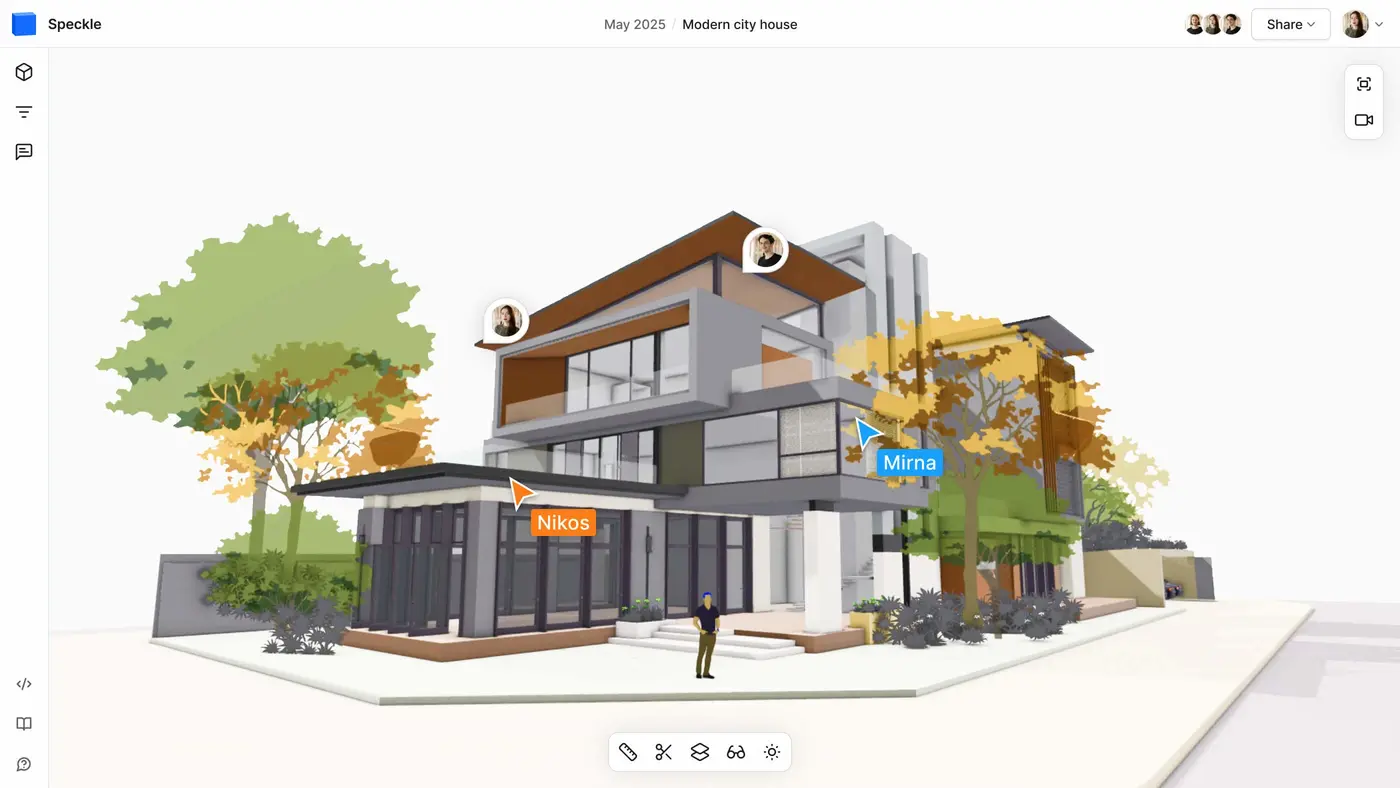
Work on live 3D models together and present them to anyone, no desktop apps or licenses.
Get inspired by industry stories
Follow these step-by-step tutorials