Speckle for Power BI
Load your 3D models into Power BI to boost design coordination and business intelligence workflows.

Load your 3D models into Power BI to boost design coordination and business intelligence workflows.
Use the Speckle connector to exchange data and objects with other tools as you design.
Each dashboard includes a 3D model from your preferred design tool. See how easy it is to track and understand model quantities, area planning, and more.


The connector ships with built-in M functions for common BIM data tasks: extract material quantities, pull composite wall and floor layer data, load project issues and comments, and federate multiple models for your 3D visual; all inside Power Query with no custom scripting.
Visualize your models in 3D within Power BI reports. Filter, explore, and color-code elements by any attribute.
Power BI connector automatically extracts your model properties, no manual setup required. We also provide helper functions that make it incredibly easy to get the data you want. Need material quantities? It's just one function call away.
Federate multiple models across different platforms and applications, then analyze them in a single Power BI report. Load data from Revit, Rhino, SketchUp, and 9+ other design tools using our connectors, plus 20+ file formats and cloud sources.
Speckle connects with 12 applications (Revit, Rhino, Archicad, etc.), supports 20+ file types (IFC, DWG, SKP), and integrates with Autodesk Construction Cloud. Fetch model data from all these apps and get insights in Power BI using the Speckle connector.
Set up a scheduled refresh once, then your Power BI report automatically pulls the latest data. Every time you push a new version to Speckle, your report updates instantly.
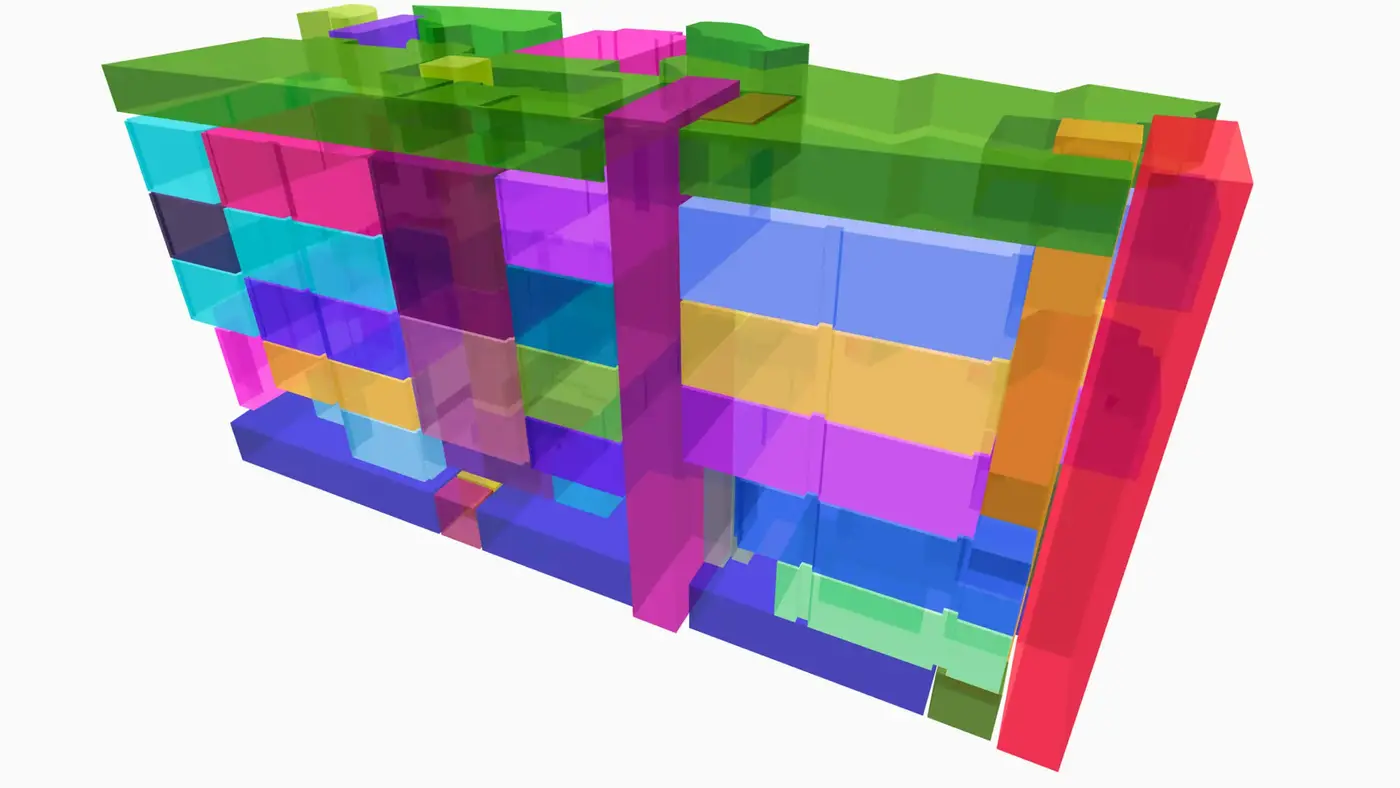
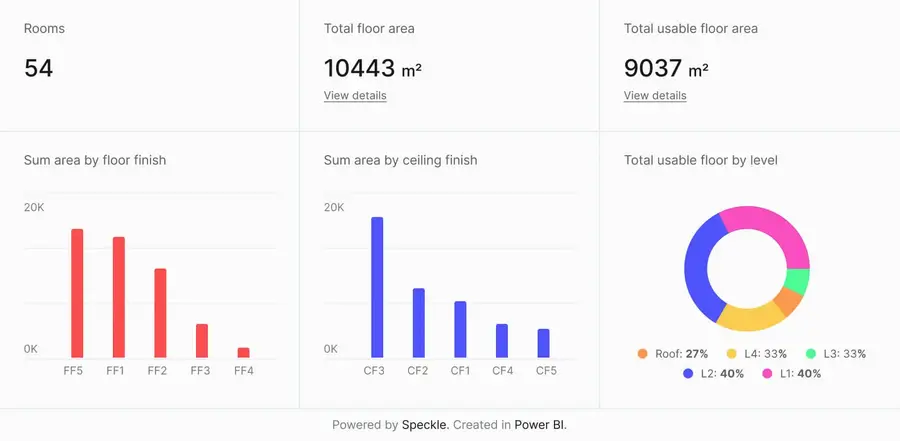
Connect to Power BI and create custom dashboards, featuring live 3D models.
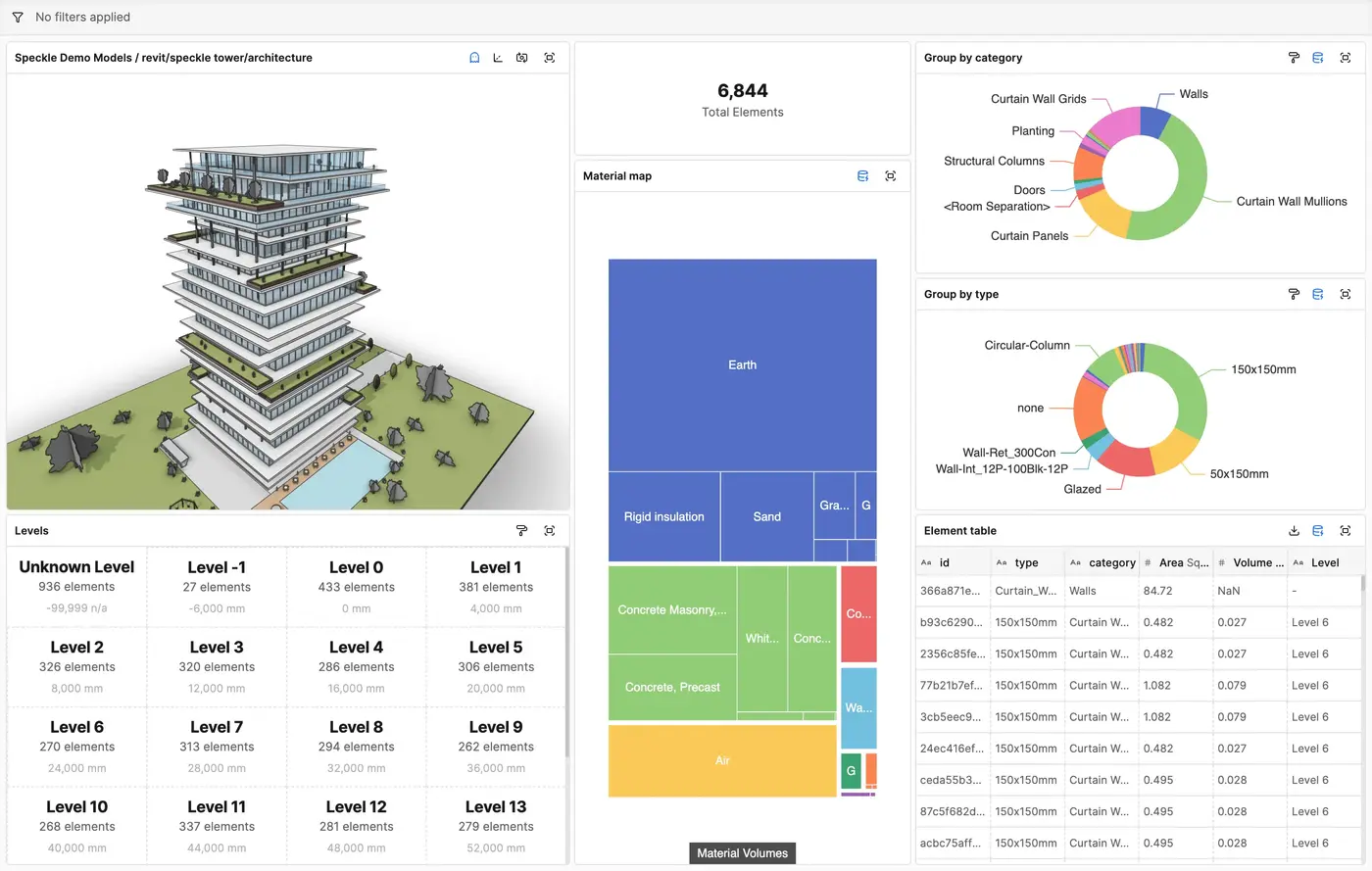
Get insights from any model, project, or portfolio—without waiting on anyone else.
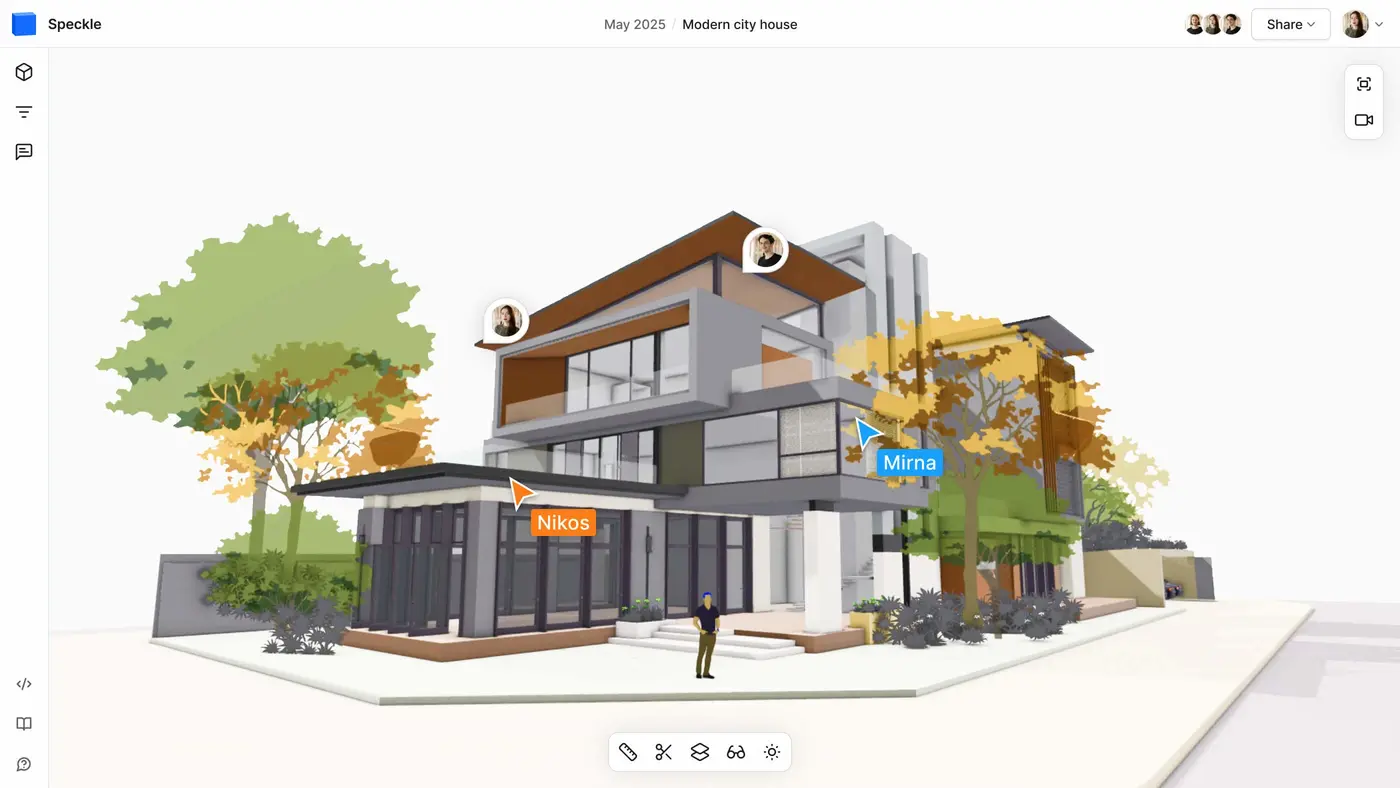
Work on live 3D models together and present them to anyone, no desktop apps or licenses.
Get inspired by industry stories



Follow these step-by-step tutorials