Optimized IFC models for faster loading
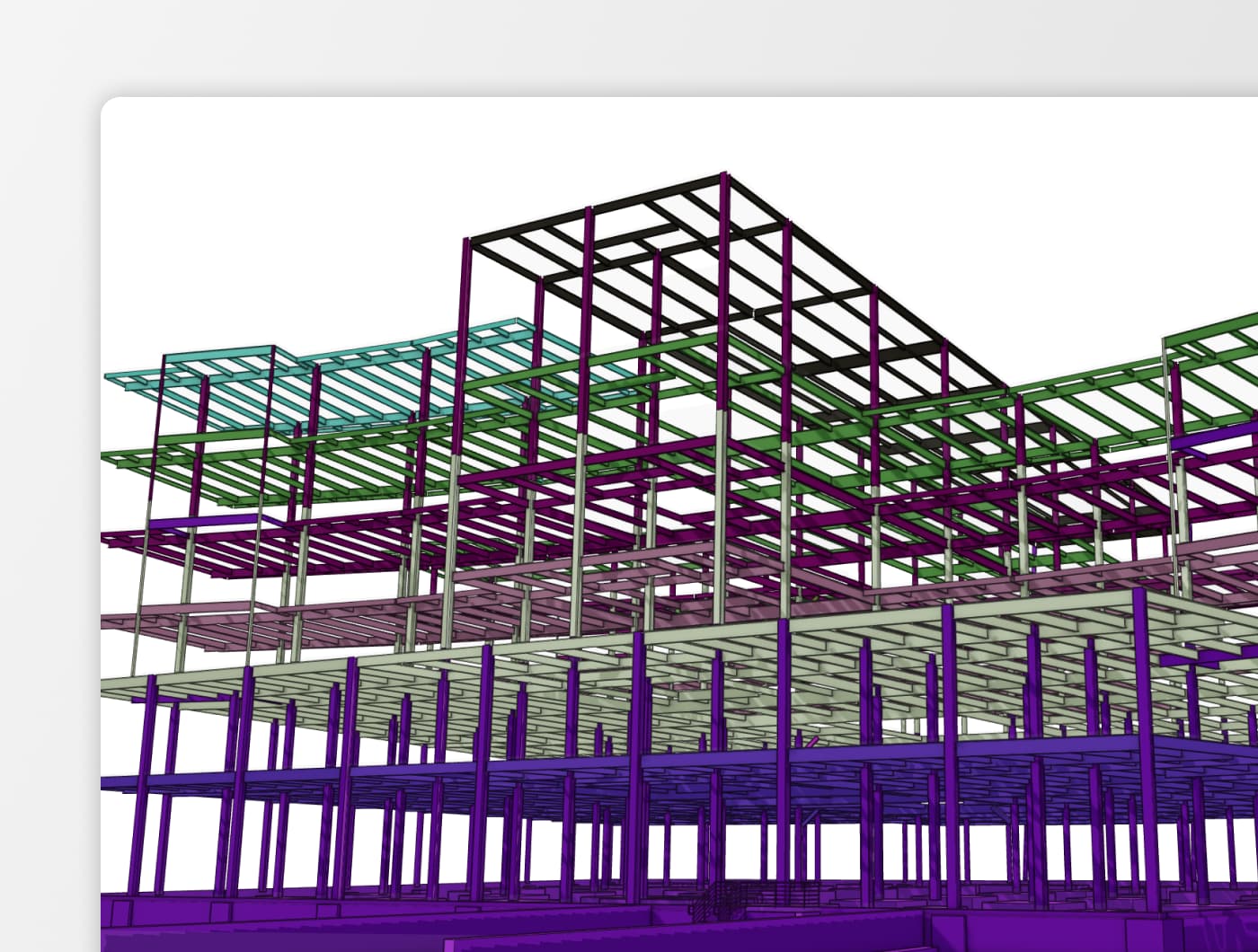
Large IFC files with thousands of repeated elements push our desktop and cloud software to its limits, resulting in huge file sizes, high memory usage, and models that refuse to display in Power BI or other downstream applications.
This isn’t just about complex geometry; even simple elements repeated many times, like chairs, columns, or fixtures, can create massive data loads. Until now.
Speckle now handles repeated geometry in IFC far more efficiently, cutting model sizes and memory footprints so repetition-heavy projects (hospitals, hotels, stadiums, and the like) stay as lightweight as possible and perform smoothly across Speckle, Power BI, and beyond.
What changed?
We’ve re-engineered how geometry is published from IFC to Speckle. Previously, each repeated element, identical furniture, columns, or family types, was stored as a unique object. If you had 500 identical chairs, we would send the same geometry data 500 times.
Now, repeating IFC elements are converted just once, and create lightweight references (proxies) for each instance.
Dramatically reduced model sizes
The impact is measurable:
Model sizes are down more than 60% on average, and for IfcElement and IfcBuildingElementProxy heavy projects, we’ve seen reductions exceeding 90%.
| Model Name | Old Size | New Size | Difference | % Change |
| Model A (Architecture) | 5.1 GB | 1.2 GB | -3.9 GB | -76.4% |
| Model B (Electrical) | 2.2 GB | 298.6 MB | -1.9 GB | -86.8% |
| Model C (Ventilation) | 4.7 GB | 624.2 MB | -4.1 GB | -87.0% |
| Model D (HVAC) | 6.0 GB | 1.1 GB | -4.9 GB | -81.6% |
| Model E (Structure) | 68.1 MB | 49.1 MB | -19.0 MB | -27.9% |
| Model F (Tertiary Systems) | 407.8 MB | 104.6 MB | -303.2 MB | -74.3% |
| Sample Tower - Architecture | 2.2 GB | 730.7 MB | -1.5 GB | -67.0% |
| Sample Tower - Electrical | 445.6 MB | 43.6 MB | -402.0 MB | -90.2% |
| Sample Tower - Facades | 207.7 MB | 81.3 MB | -126.4 MB | -60.9% |
| Sample Tower - HVAC | 413.2 MB | 90.9 MB | -322.3 MB | -78.0% |
| Sample Tower - Plumbing | 616.7 MB | 111.9 MB | -504.8 MB | -81.9% |
| Sample Tower - Site | 46.6 MB | 31.0 MB | -15.6 MB | -33.5% |
| Sample Tower - Structural | 456.7 MB | 78.7 MB | -378.0 MB | -82.8% |
| Sample Bridge Model | 10.4 GB | 2.2 GB | -8.2 GB | -78.8% |
What does this mean for your day-to-day work?
- Faster model downloads.
- Quicker viewer loads.
- Ability to handle larger models without hitting technical limits.
Faster processing times
Beyond smaller file sizes, the optimization brings significant improvements to conversion speed. For most models, we're seeing processing times cut in half or better, with some electrical and plumbing models converting over 60% faster than before.
| IFC File Name | Now (min) | Before (min) | Time Saved (min) | Speed Improvement |
| Model A (Architecture) | 3:34 | 8:41 | 5:07 | 58.8% |
| Model B (Electrical) | 1:25 | 3:48 | 2:23 | 62.6% |
| Model C (Ventilation) | 1:59 | 6:56 | 4:58 | 71.5% |
| Model D (HVAC) | 9:34 | 10:58 | 1:24 | 12.8% |
| Model F (Tertiary Systems) | 0:24 | 0:44 | 0:20 | 44.4% |
| Sample Tower - Architecture | 0:13 | 0:41 | 0:29 | 69.5% |
| Sample Tower - HVAC | 0:14 | 0:28 | 0:14 | 50.0% |
| Sample Tower - Plumbing | 0:26 | 1:08 | 0:42 | 61.8% |
| Sample Tower - Structural | 0:13 | 0:33 | 0:20 | 61.7% |
| Sample Tower - Facades | 0:20 | 0:24 | 0:04 | 16.1% |
This means you'll spend less time waiting for models to convert and more time working with your data. Whether you're sending a quick architectural model or processing a large multi-discipline project, the improved performance adds up throughout your workflow.
Improved workflows across connectors
This update also improves how replicated elements behave when you work with IFC data in other applications. When received in other tools, repeated elements now load as blocks or components, aligning with native workflows.
In Rhino, SketchUp, and Blender:
- Edit once, update everywhere.
- Higher performance with thousands of instances.
- Lighter, more responsive models
Same data, smaller footprint for data analysis
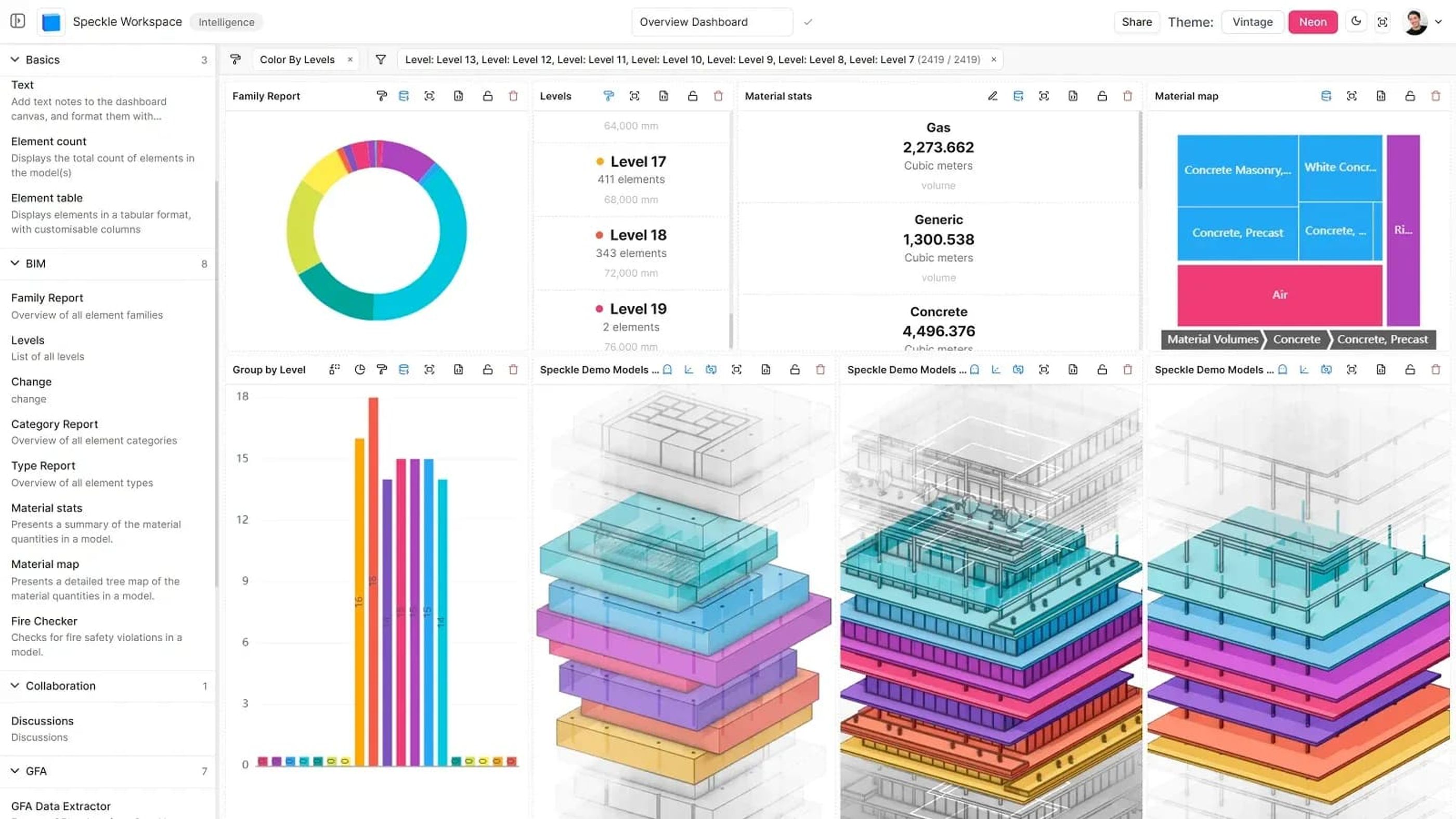
If you're working with IFC models in Power BI or Speckle Intelligence, this update enables reliable analysis of bigger, more complex projects.
The reduced data size and memory footprint means:
- Loading models that previously failed: Models that hit memory limits can now be analyzed successfully
- Using significantly less memory: Reduced footprint during download, processing, and analysis
- Better performance: Smaller datasets enable smoother dashboards, faster reports, and more responsive workflows
Want to analyze your Speckle models with interactive dashboards? Register to access and start testing a better way to gain insights.
What's next?
These improvements will expand to Navisworks next, continuing our work to make models lighter, faster, and more efficient across the Speckle ecosystem.
Get the latest and most powerful connectors for your workflow.