Speckle for Blender
Turn Blender models into connected, data-rich 3D assets that flow between tools, power analytics, and stay in sync as designs evolve.

Turn Blender models into connected, data-rich 3D assets that flow between tools, power analytics, and stay in sync as designs evolve.
Use the Speckle connector to exchange data and objects with other tools as you design.

Send Blender models into Revit as DirectShapes with materials.


Bring Blender's extensive asset libraries: furniture, fixtures, landscape elements, and parametric objects directly into Revit, Rhino, ArchiCAD, and other AEC tools. Access thousands of assets that don't exist in traditional BIM libraries.
Load models from any Speckle-connected application into Blender for high-quality visualization. Create client presentations, design animations, and photorealistic renderings with your live project data—no manual exports or file conversions required.
Update your models while preserving any modifiers you've applied in Blender. When new versions arrive from your team, your subdivision surfaces, arrays, boolean operations, and custom modifications stay intact, keeping your workflow uninterrupted.
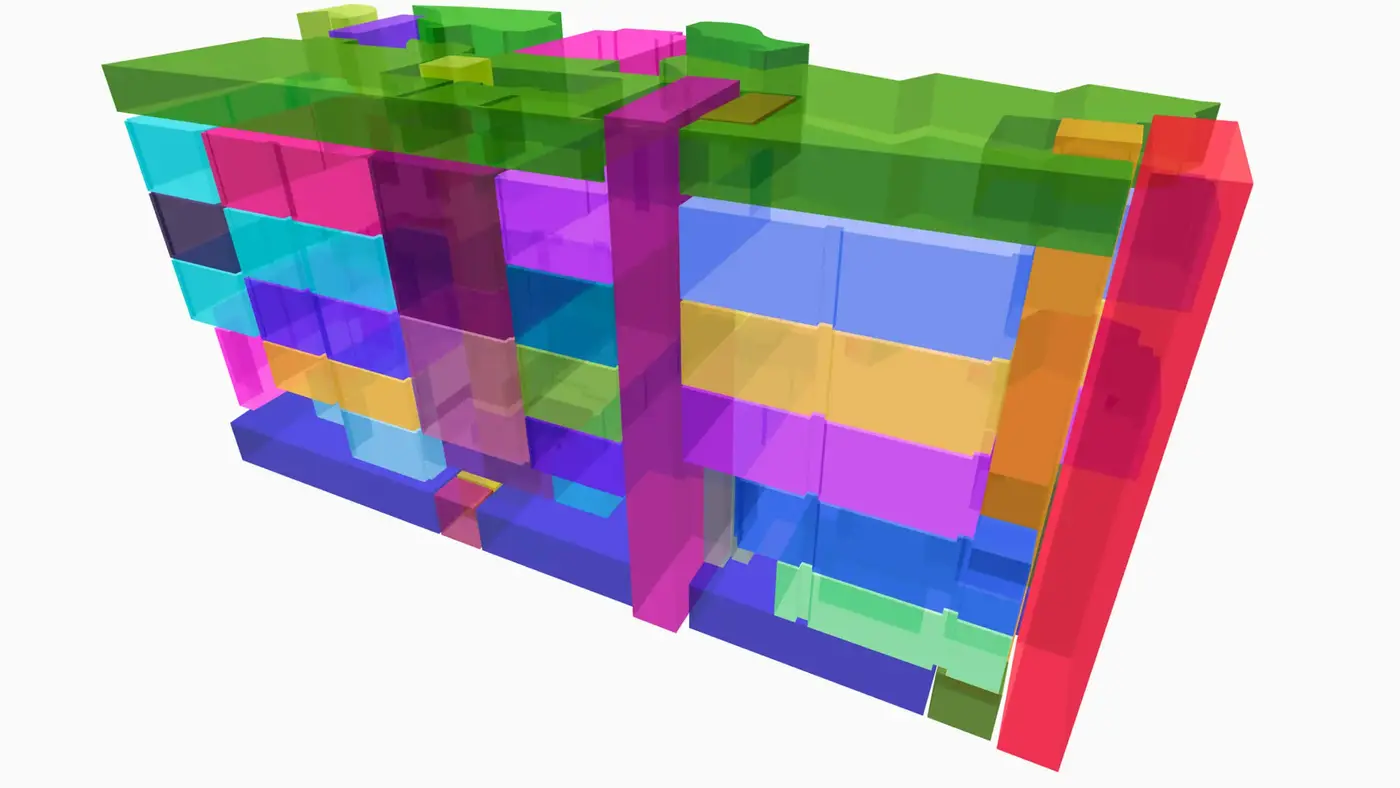
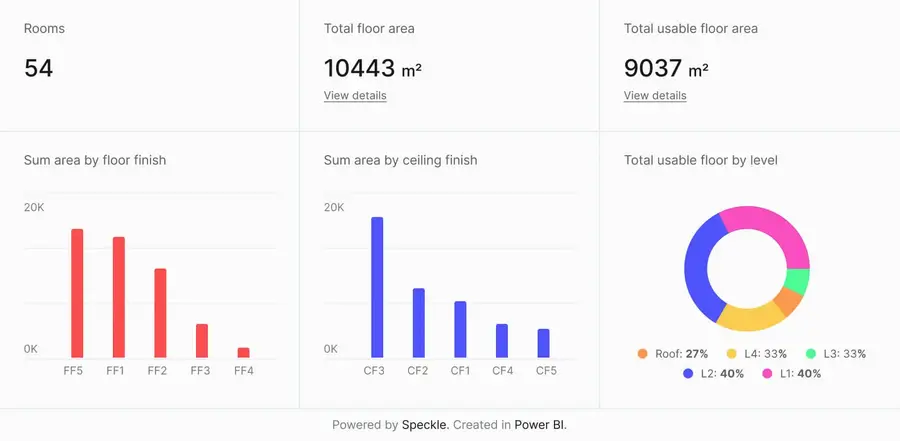
Connect to Power BI and create custom dashboards, featuring live 3D models.
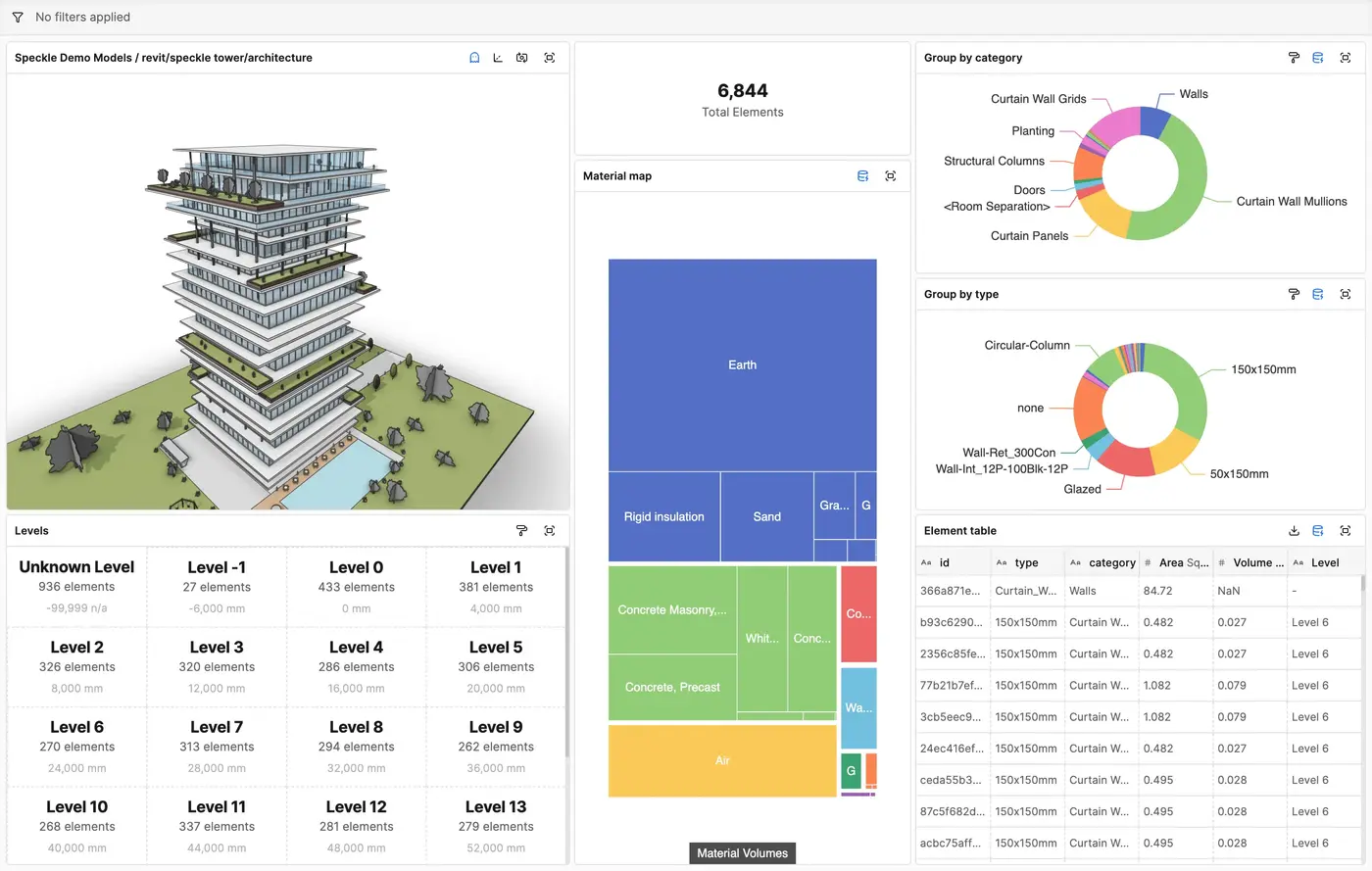
Get insights from any model, project, or portfolio—without waiting on anyone else.
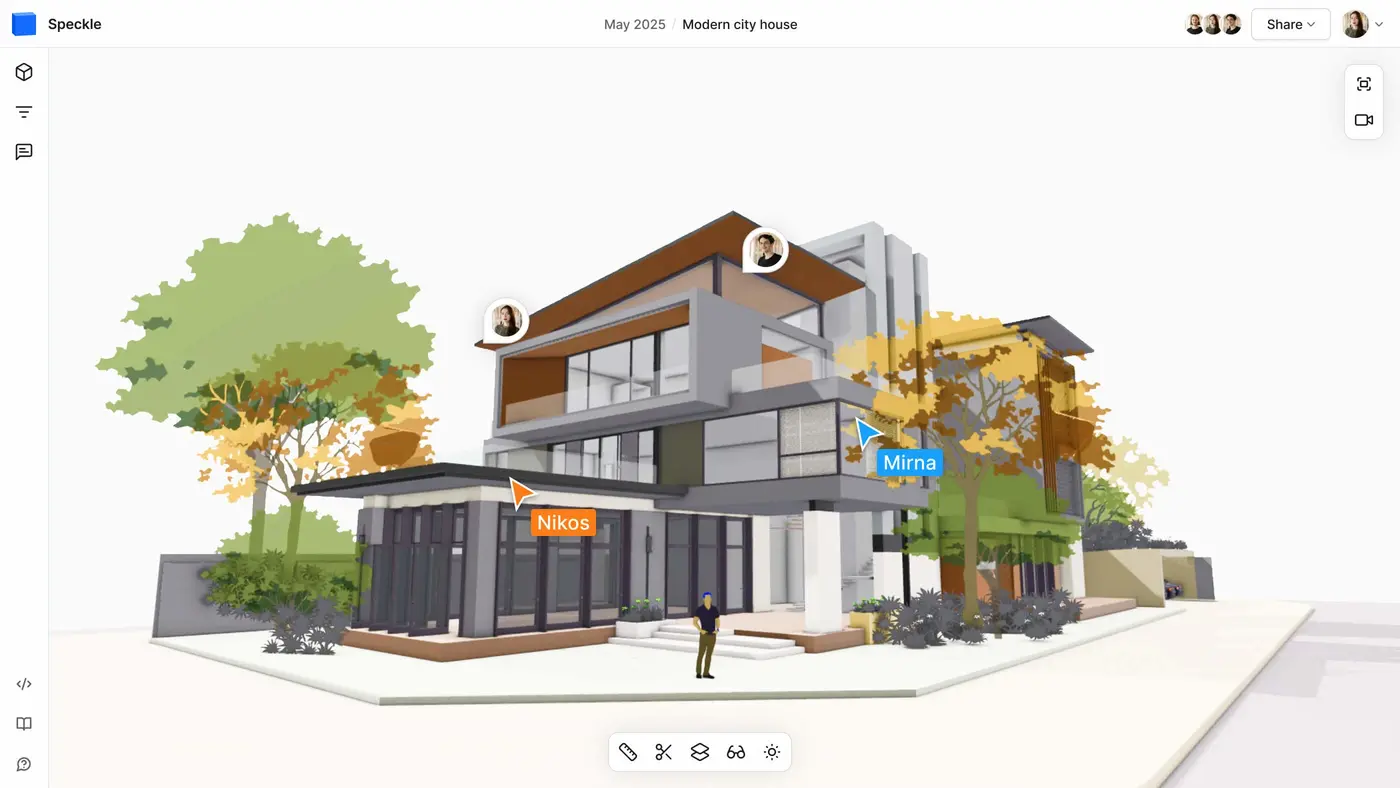
Work on live 3D models together and present them to anyone, no desktop apps or licenses.
Follow these step-by-step tutorials