Speckle for Rhino
Connect Rhino to Speckle to unlock collaboration, presentations, and powerful analytics that drive better project outcomes.
Supported versions
Rhino 7 & 8

Connect Rhino to Speckle to unlock collaboration, presentations, and powerful analytics that drive better project outcomes.
Supported versions
Rhino 7 & 8
Use the Speckle connector to exchange data and objects with other tools as you design.
Set up automatic Rhino data sync with every update to access both real-time and historical model analytics.
Drag and drop files into Speckle to view, analyze, and share models without needing a design tool license.

Assign Revit categories to your Rhino layers using the Revit Categorization Tool. Geometry lands in Revit as categorized DirectShapes, enabling visibility overrides and schedules to work correctly on your Rhino elements.


Send Rhino models into Archicad as GDL objects with materials.

Select specific Rhino elements or entire layers to publish to Speckle, giving you precise control over what your team sees. Speckle automatically keeps elements synchronized with every publish.
Embed your Rhino models into Power BI reports or create analytics in Speckle Intelligence. Extract quantities, compare versions, and combine geometric data with external sources to create insights that automatically update as changes occur.
Publish Rhino models to (and load models from) Revit, Archicad, Navisworks, Tekla, IFC, and beyond. Work with teammates using different tools, staying in sync with their updates.
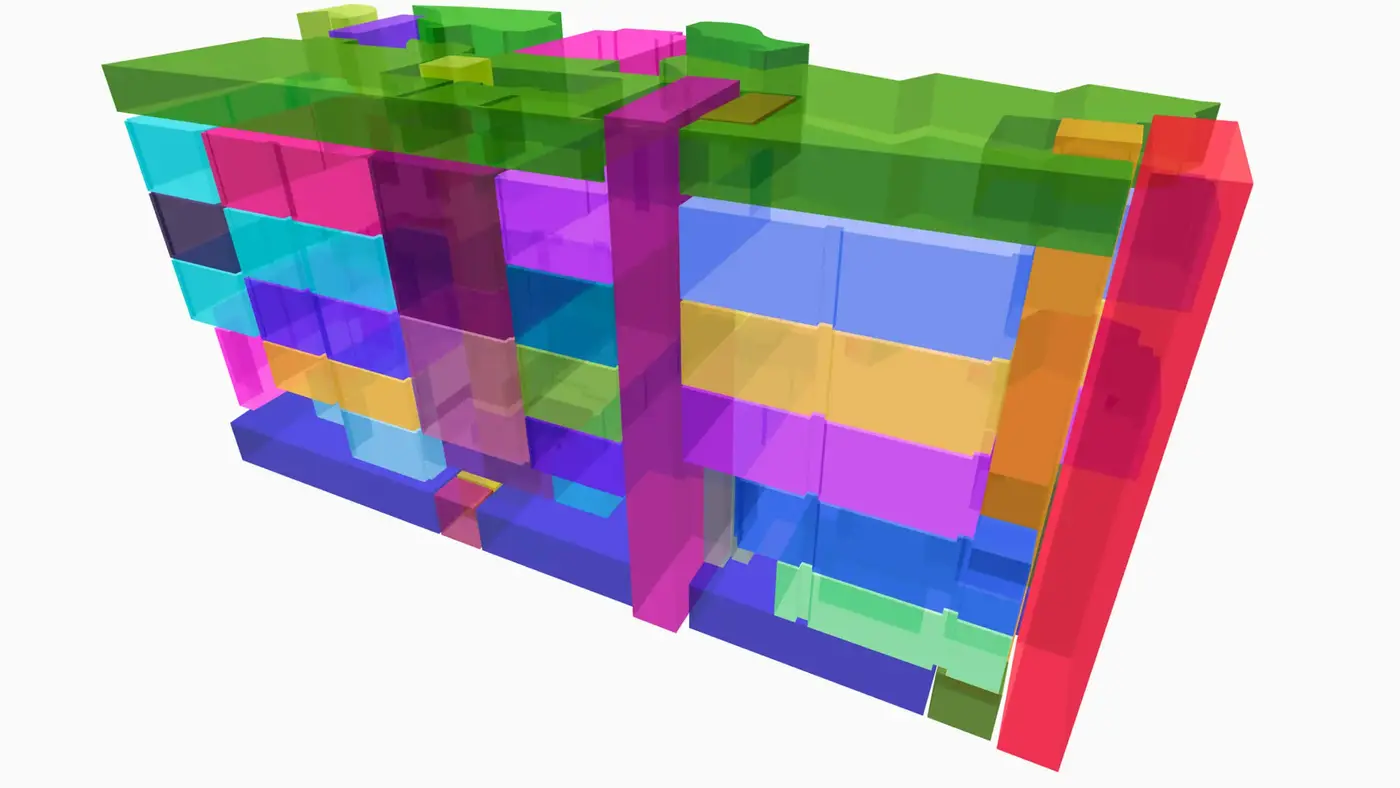
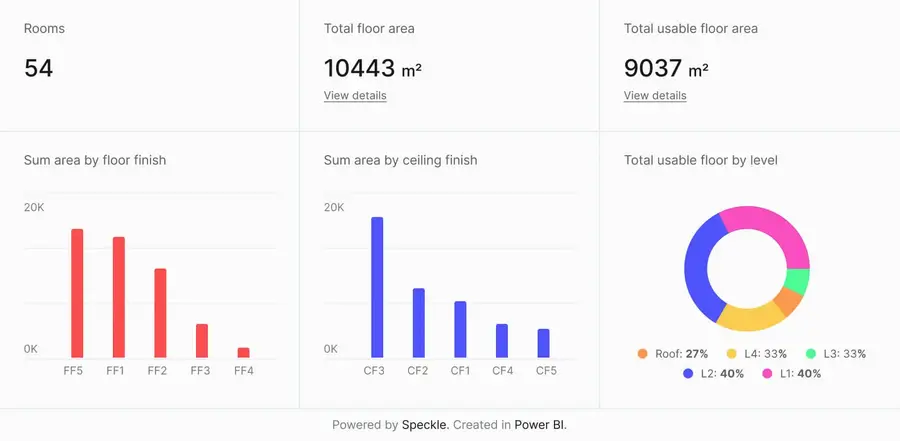
Connect to Power BI and create custom dashboards, featuring live 3D models.
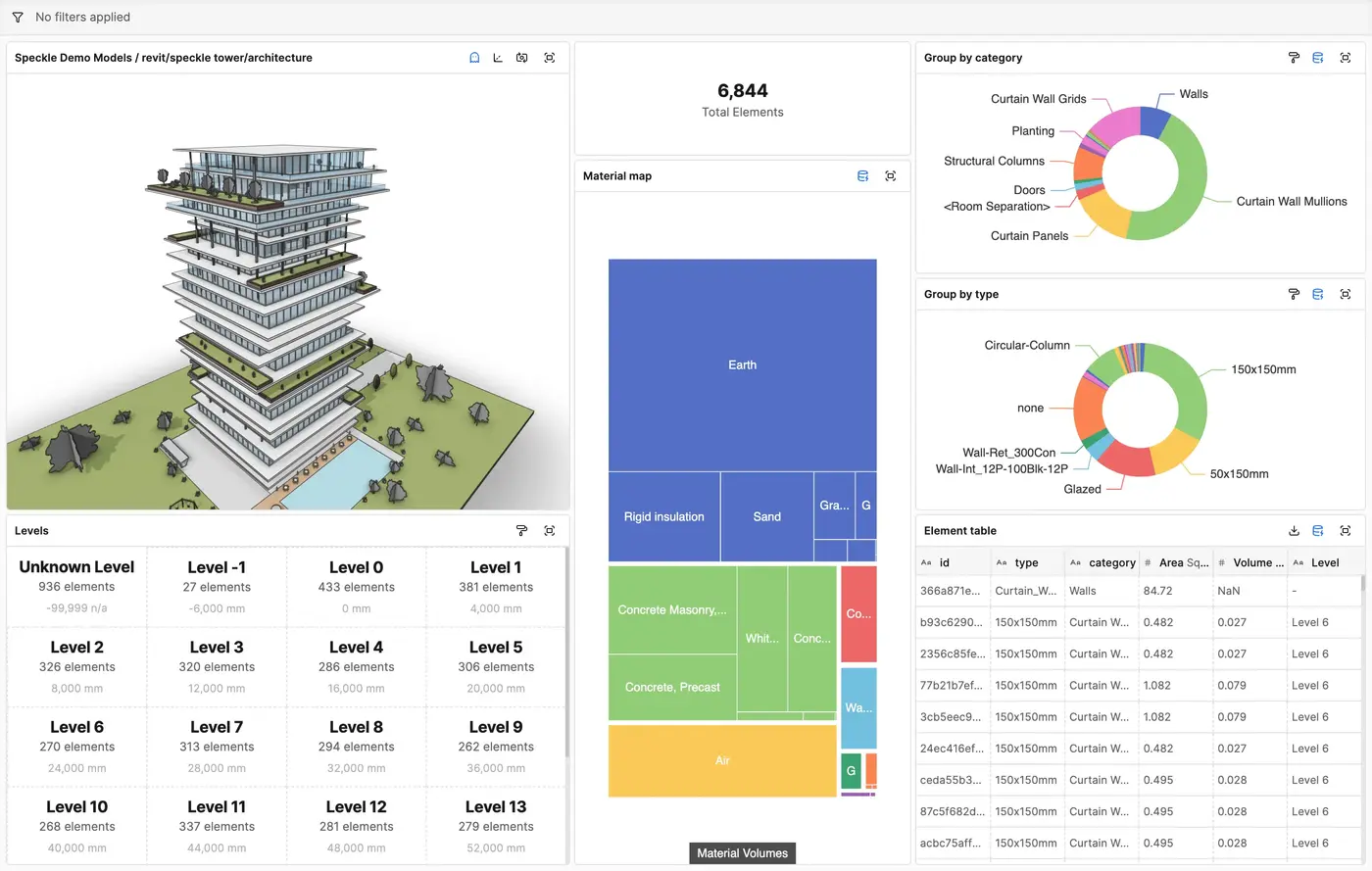
Get insights from any model, project, or portfolio—without waiting on anyone else.
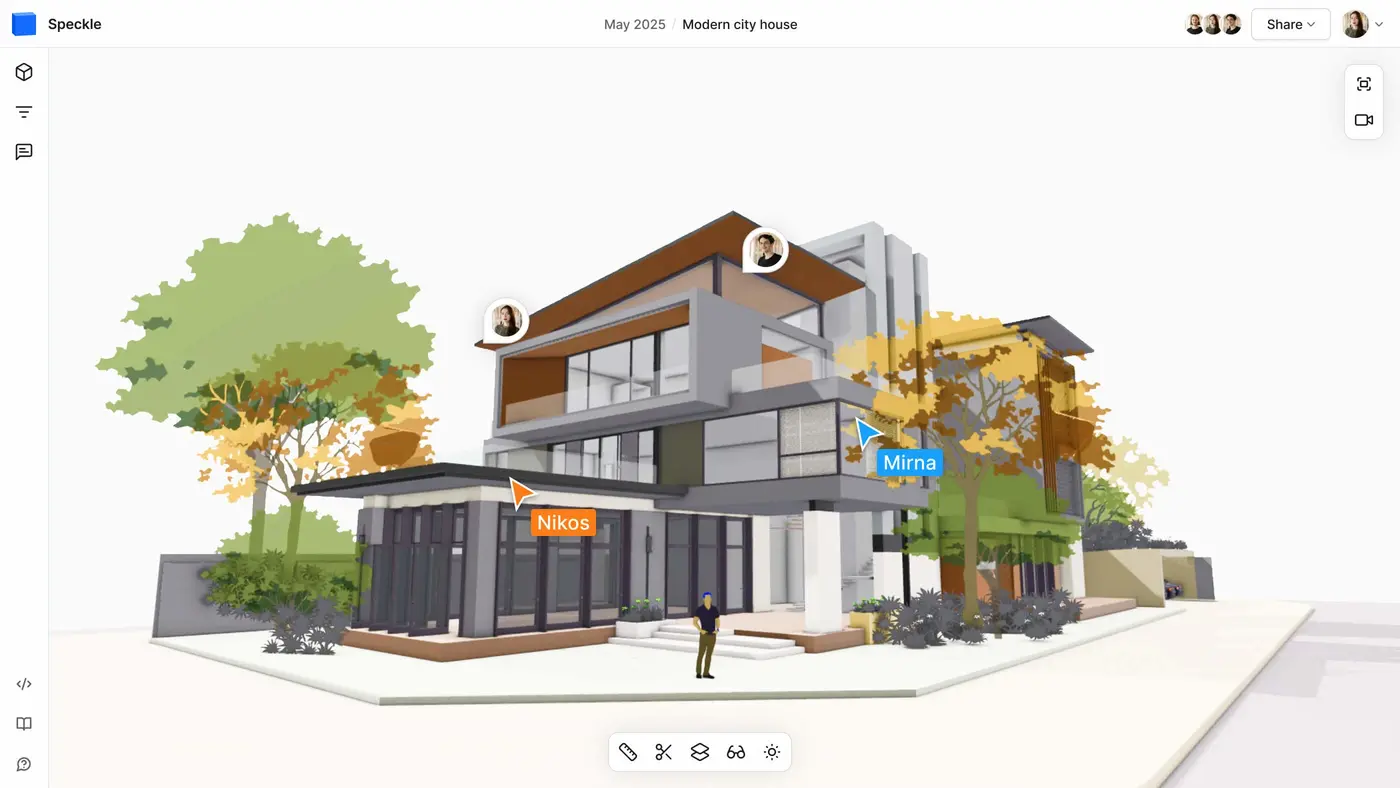
Work on live 3D models together and present them to anyone, no desktop apps or licenses.
Get inspired by industry stories



Follow these step-by-step tutorials